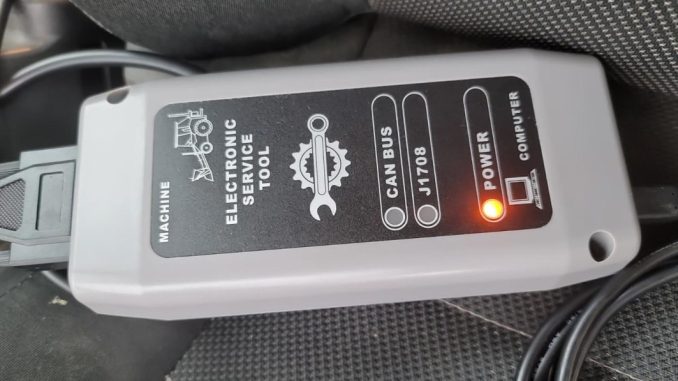
JCB ServiceMaster 4 V26.09 Diagnostic Software Bought from OBDIISHOP
Experience from Customer :
I previously had a problem with the JCB software I bought from obdiishop , but the issue was resolved with the help of obdiishop engineer .
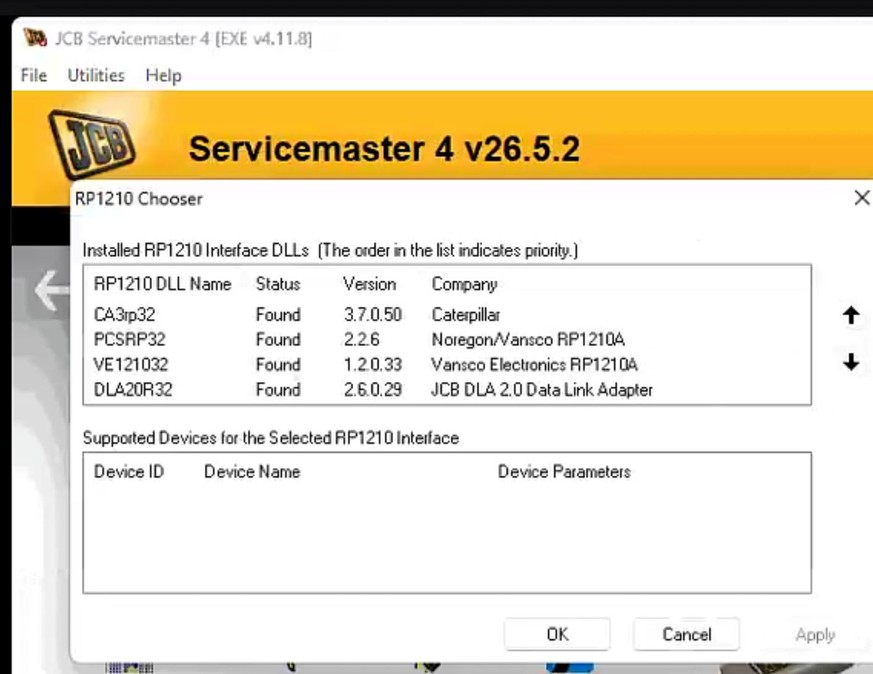
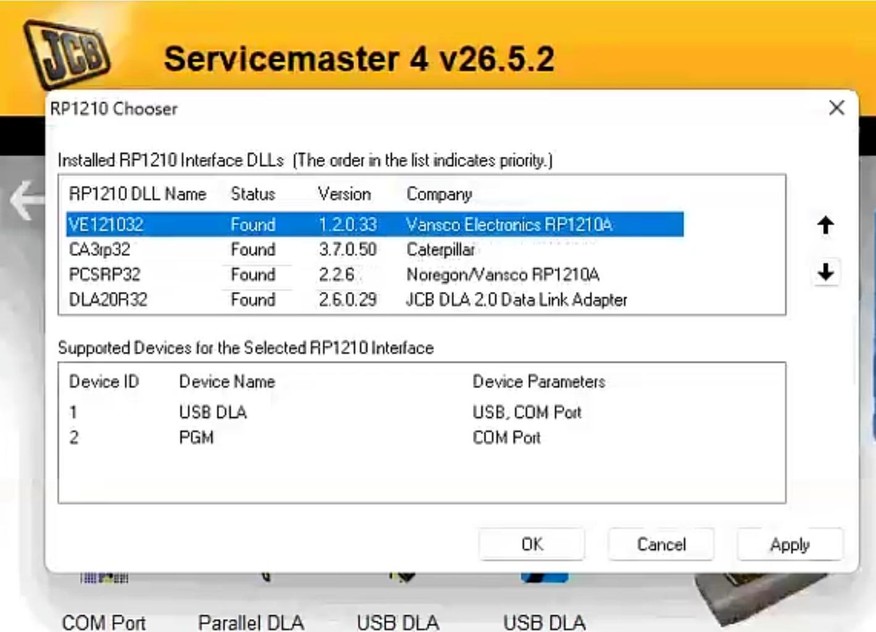
The communication problem with the JCB DLA 2.0 was resolved by correctly configuring the adapter in JCB ServiceMaster.
In ServiceMaster, we opened:
Other → General → DLA → USB DLA Chooser
The “JCB DLA 2.0 Data Link Adapter” was moved to the first position and the setting was confirmed by clicking “Apply.” ServiceMaster was then restarted as an administrator, and the correct machine configuration was selected: a 2016 JCB 3CX Compact with a Kohler engine, non-Stage V.
After these changes, ServiceMaster established stable communication with the machine. It successfully read the VIN, connected to the control modules, and allowed the diagnostic trouble codes to be read and cleared. The diagnostic procedure was completed successfully, and the final status displayed “No fault.”
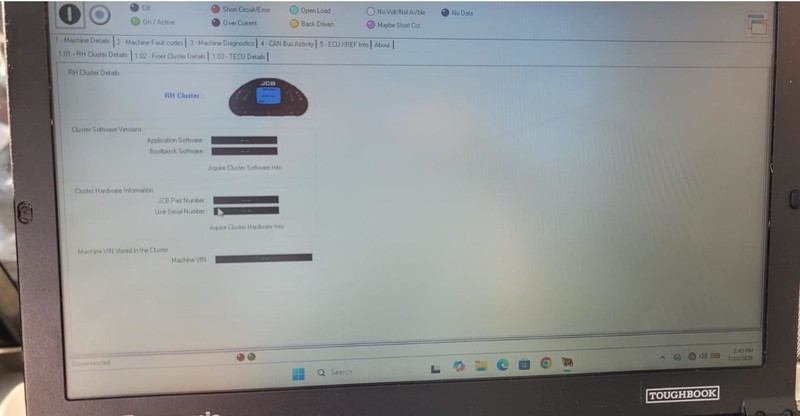
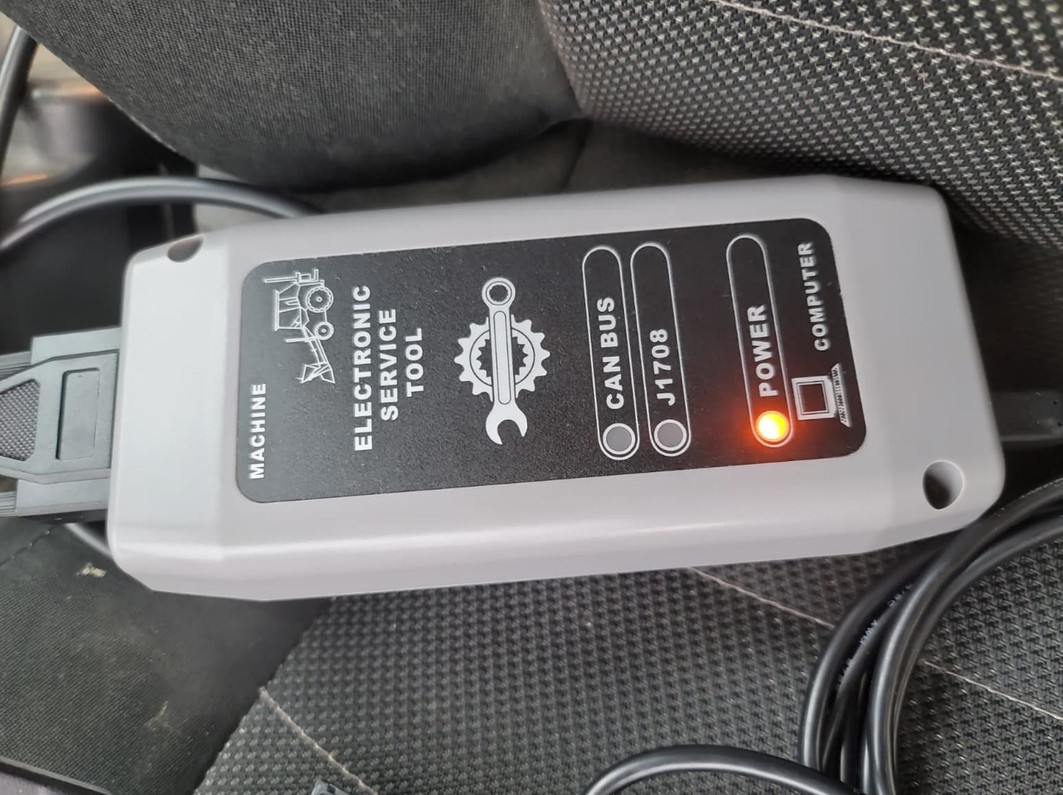
Its working fine now
JCB Heavy Duty Truck Diagnostic Scan Tool JCB Electronic Service Tool link :
Leave a Reply