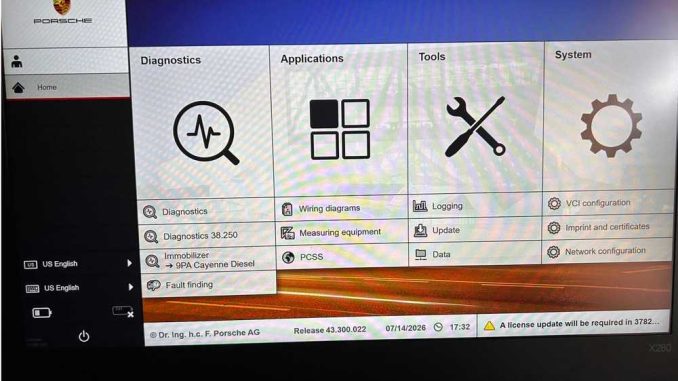
A customer recently asked how to activate Engineering Mode after receiving a Porsche PIWIS 3 Tester III diagnostic tool from OBDII.Shop.
Customer Question
I received the Porsche PIWIS 3 Tester III in good condition. Still, I cannot find the option to turn on or off Engineering Mode in the PIWIS menus. How can I access it?
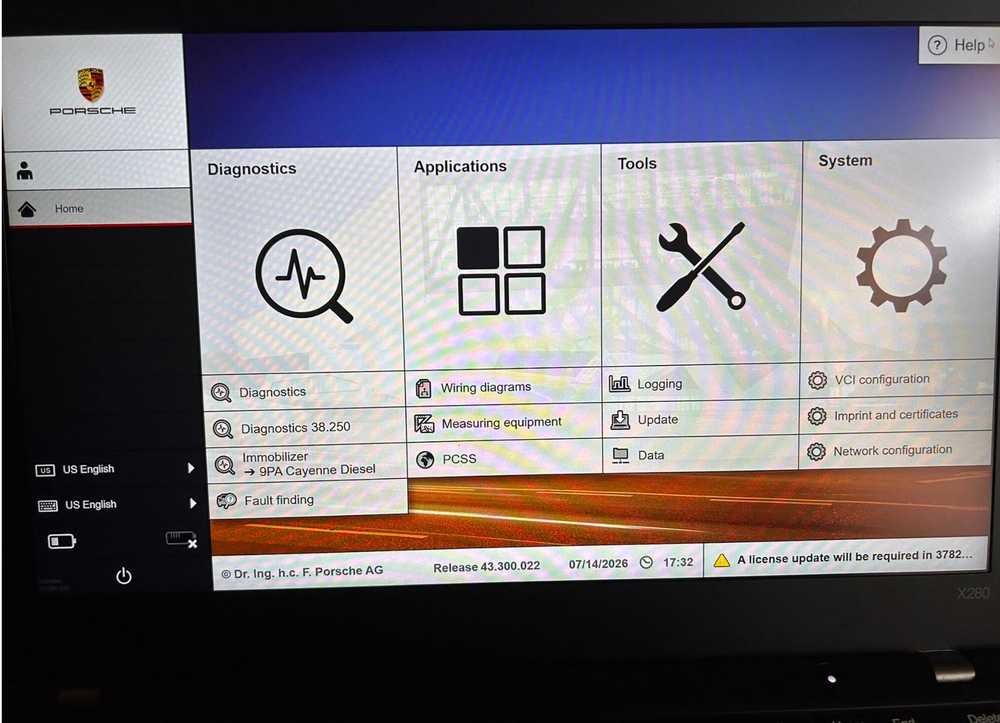
How to Enable Engineering Mode on Porsche PIWIS 3
Engineering Mode may also be displayed as Developer Mode in the PIWIS 3 system.
Follow these steps:
- Start the Porsche PIWIS 3 laptop.
- Open the System menu.
- Locate the Developer Mode option.
- Click the option once to switch from the standard diagnostic interface to Engineering Mode.
After the setting is selected, the software should enter the Engineering or Developer Mode interface.
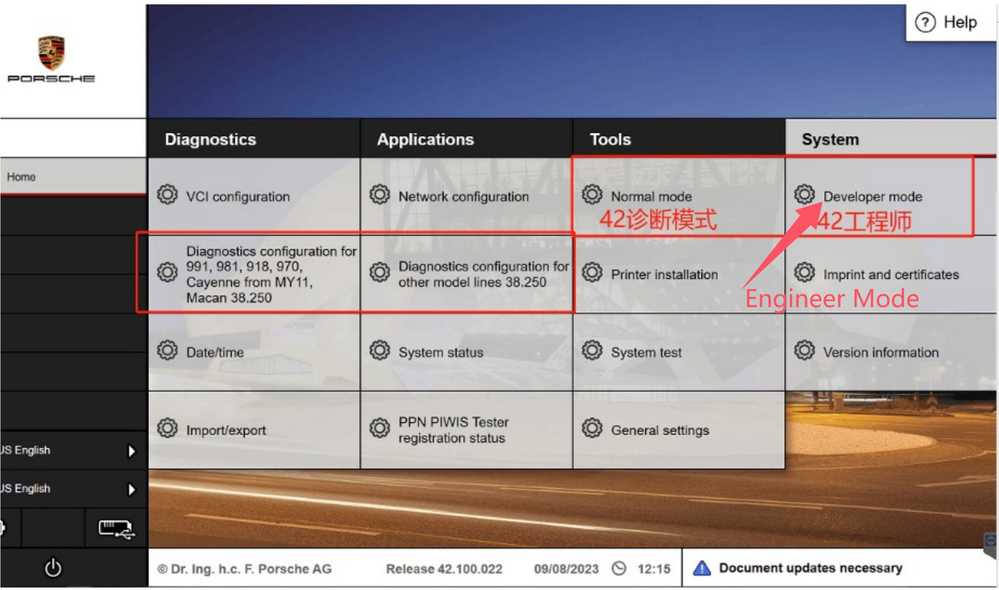
How to Disable Engineering Mode
To return to the normal PIWIS diagnostic interface:
- Open the System menu again.
- Select the Developer Mode option.
- Click it once to disable Engineering Mode and return to the standard operating mode.
The exact menu appearance may vary slightly depending on the installed PIWIS 3 software version.
Why Does Engineering Mode Display German Text?
After Engineering Mode is enabled, some menus, functions, or parameter descriptions may appear in German.
This is normal for the PIWIS 3 Engineering Mode interface. Certain engineering-level functions were originally designed for internal or technical use and may not have complete English-language translations.
The German-language sections generally cannot be translated into English via the standard PIWIS language settings.
Important Safety Notice
Engineering Mode provides access to advanced diagnostic, coding, programming, and configuration functions. Incorrect changes may affect control-unit settings or vehicle operation.
Before using Engineering Mode:
- Connect a stable battery maintainer.
- Record or back up the original settings.
- Confirm the vehicle model, year, and control unit.
- Do not change unfamiliar parameters.
- Avoid interrupting programming or coding procedures.
- Use advanced functions only when you understand the required procedure.
For normal fault-code reading, live data, maintenance resets, and guided diagnostics, the standard PIWIS mode is usually sufficient.
Conclusion
To enable Engineering Mode on the Porsche PIWIS 3 Tester III, open the System menu and select Developer Mode. Click the option again to turn it off.
Some German text in Engineering Mode is normal and may not be available in English.
For additional Porsche PIWIS 3 software or diagnostic tool support, contact:
Email: sales@obdii.shop
Leave a Reply