
Scania Truck CAN Communication Fault – Engine Control Unit (ECU) Error Fix Guide
This guide provides step-by-step instructions on how to troubleshoot and resolve a CAN communication fault related to the Engine Control Unit (ECU) on a Scania […]
This guide provides step-by-step instructions on how to troubleshoot and resolve a CAN communication fault related to the Engine Control Unit (ECU) on a Scania […]
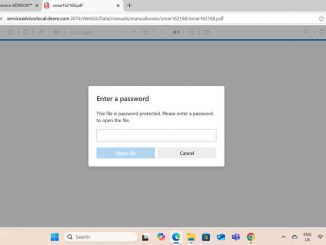
Customer : I bought John Deere Service ADVISOR Diagnostic Software V5.3 AG Agricultural + V5.3 CF Construction & Forestry EDL V2&V3 Software Remotely installation (Only […]

This guide provides step-by-step instructions to resolve the APS 00001C error related to the Scania truck alarm system, indicating an internal fault in the control […]
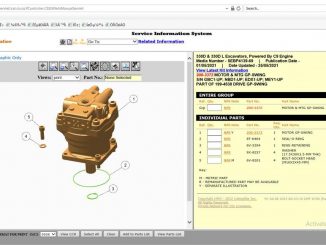
What is Caterpillar SIS? Caterpillar SIS (Service Information System) is a comprehensive documentation and parts catalog software provided by Caterpillar Inc., a leading manufacturer of […]
This guide provides step-by-step instructions on how to identify and resolve the ALM404 CAN communication fault in Scania trucks, specifically related to the Chassis Management […]
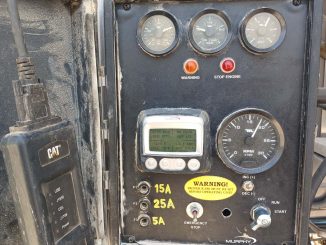
Engine Throttle Setup Applicable Model: Perkins 1104D Refer to Figure 1.1 – Multi-position Switch Purpose The Throttle Configuration function within EST allows for setting up […]
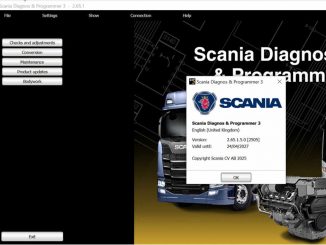
Customer : I bought Scania VCI-3 VCI3 Scanner Diagnostic Tool with Scania SDP3 2.53.5 Software, but i cant installing the software well, could you please […]
Calterm Installation instructions : 1.Install LCT1.12.0.17.exe under the LCT folder 2.Install java.exe 3.Install Calterm4v4.7.1.007.exe 4.Run HWID6.exe and click copy to Clipoard to get the machine code 5.Open KMforKM.exe in the registration machine and paste the machine code in the box under HWID, a random name in the box 1 or abc will be okay and click make key 6.Open the km.lic file in the generated lics folder and copy it to the KM folder,keep them both in same folder,so that you can open the registration machine KM.exe 7.Click HWID6.exe again and click copy to Clipoard to get the machine code, paste it in the HWID box of KM.exe, write any name you want then click make key 8. Open the newly generated lics folder and find this cc.sn file, copy and paste it in installation directory of calterm. 9.Copy Calterm_ start.exe and fnp_ _ld.dII, paste them into the installation directory of calterm. Then send a shortcut of calterm_start.exe to the desktop. Click the shortcut of calterm_start.exe every time you use it. Actually obdiishop also offer the newer version of calterm , we […]
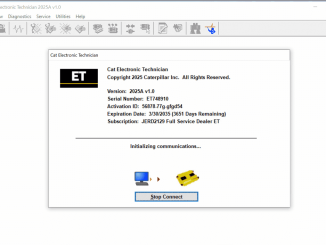
The CAT ET 2025A Power Shift Pressure Test is designed to verify whether the proportional reducing valve is correctly activated by the current signal sent […]
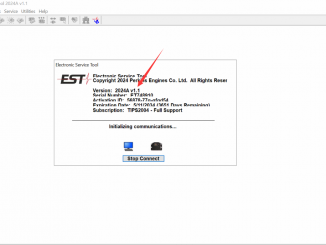
What is Perkins EST? Perkins EST is a diagnostic software which consists of a set of hardware and a software (The Integrated Parts and Service […]
Customer: Before make the purchasing , could you please tell me what kind of computer and operating system do I need to run JPRO? OBDII.SHOP: […]
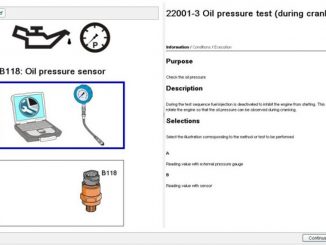
This guide provides step-by-step instructions on how to perform an Oil Pressure Test for Volvo Version 3 and 4 trucks using the Volvo Techtool and […]
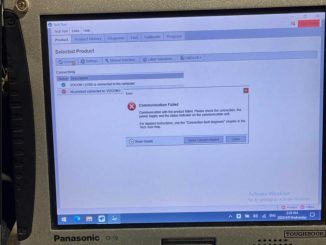
Customer: When I click witch tool I want to use to connect I hit ok then connect it loads and then says no product connected […]
Caterpillar Comm Adapter III – diagnostic scanner interface is a cat group dealer workshop diagnostic tool built to work with Caterpillar heavy vehicles and Caterpillar […]
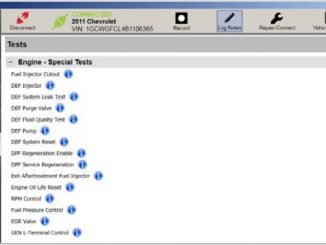
Nexiq eTechnician offers a range of special tests to aid in vehicle diagnostics. Most tests require eTechnician to be connected to a running vehicle. The […]
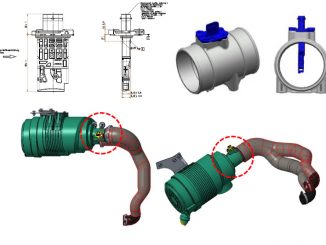
This guide provides step-by-step instructions on resolving the P00BE Sensitivity Drift Error (Low) for the air mass flow sensor in Doosan G2 Stage V machines. […]
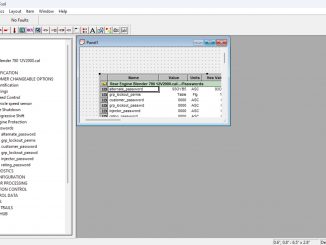
The ECM settings on Detroit Diesel engines are protected by passwords. When using Detroit Diesel Diagnostic Link (DDDL) to change settings, you must enter the […]
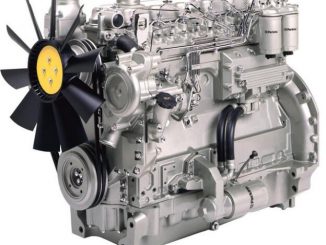
Improved oil cooler pipes have been introduced for the 6-cylinder Phaser 1000 Series engines. The new pipes are separate and do not feature metal braiding. […]
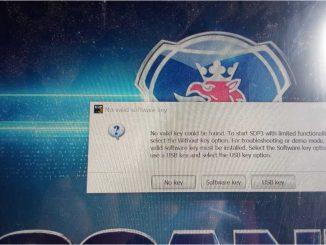
Customer : my laptop system updated , then the software cant be working , i get error as bellowing : OBDII.SHOP : For Scania SDP3 […]
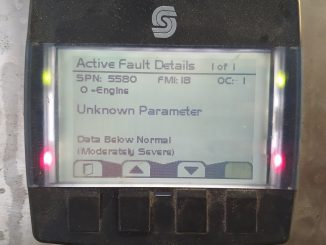
Event Codes: Low Fuel Pressure / Engine Filtered Fuel Delivery Absolute Pressure Low Error Codes & Description: E198 (2) – Low Fuel Pressure 5580-17 / […]
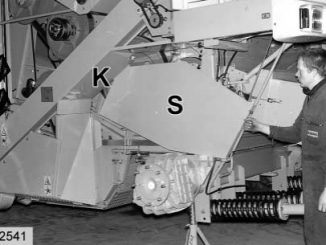
This guide provides step-by-step instructions for removing the preconcave on CLAAS LEXION 480 combine harvesters. Related Contents: CLAAS CDS 7.5 Diagnostic Software 2021 2020 Free […]
This instruction show you guide on how to correct injector for HINO truck by HINO DX3 diagnostic software. Requipment: Nexiq USB2 Diagnostic Adapter HINO Diagnostic […]
Copyright © 2026 | WordPress Theme by MH Themes