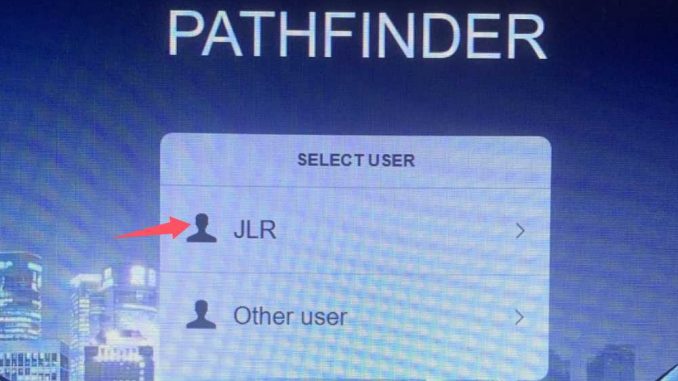
This guide explains how to use the JLR Offline Diagnostic Software, which includes two independent systems installed on the hard drive: SDD and Pathfinder.
Please follow the instructions below carefully to ensure successful login and operation.
System Overview
The hard drive contains two JLR diagnostic systems:
- SDD (Symptom Driven Diagnostics) – for older Jaguar & Land Rover models
- Pathfinder – for newer JLR vehicles and modern diagnostics
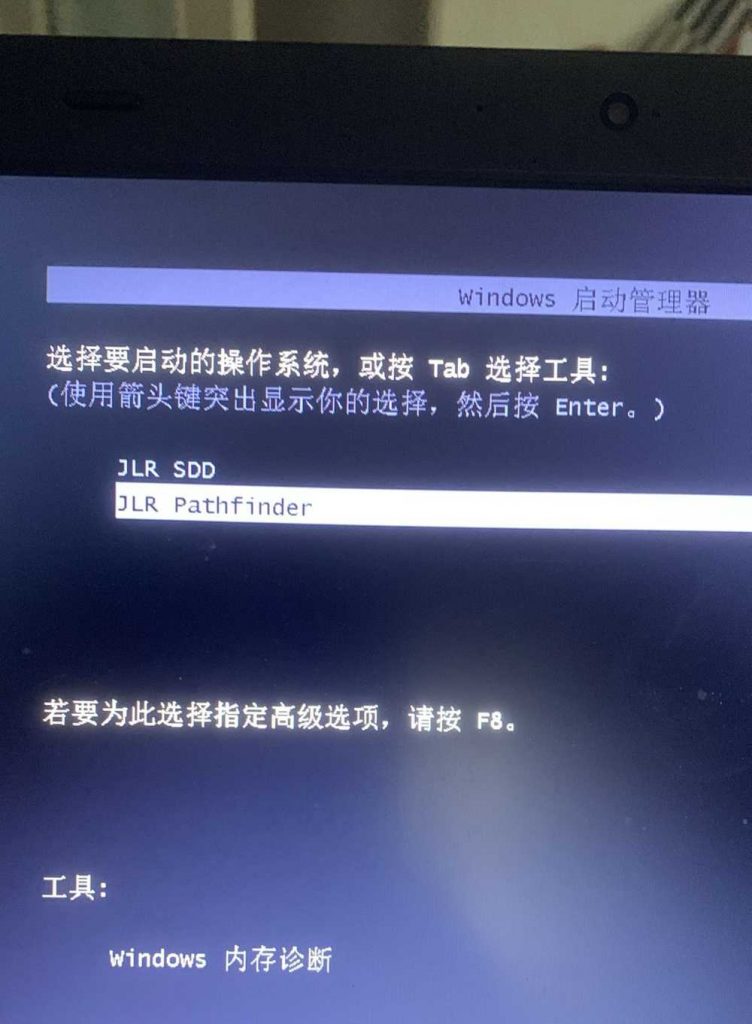
Both systems can be used offline, without an online JLR account.
Related product
JLR DoIP VCI SDD Pathfinder Interface Jaguar Land Rover Diagnostic & Programming tool
1. SDD Offline Software Login Instructions
SDD is mainly used for earlier Jaguar and Land Rover models.
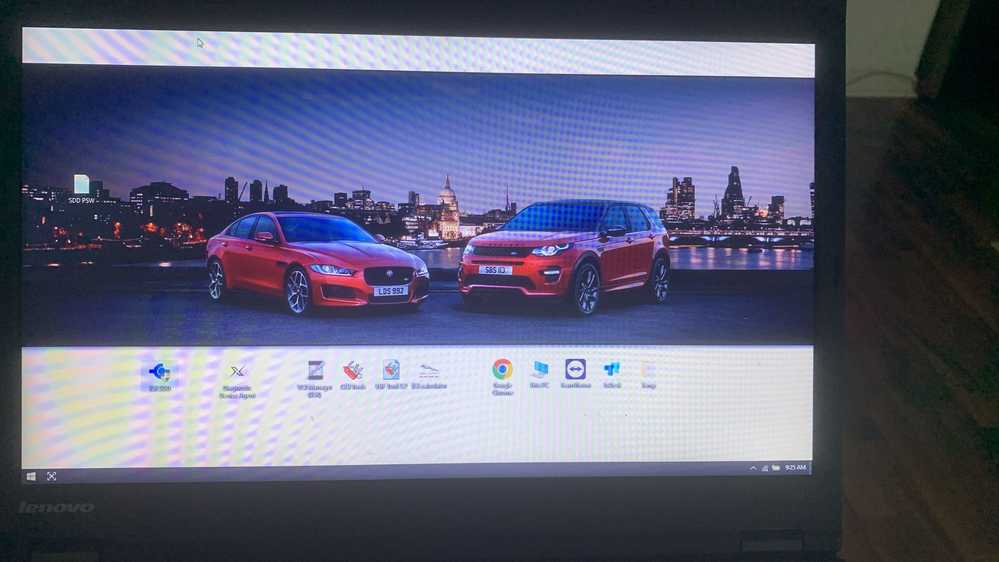
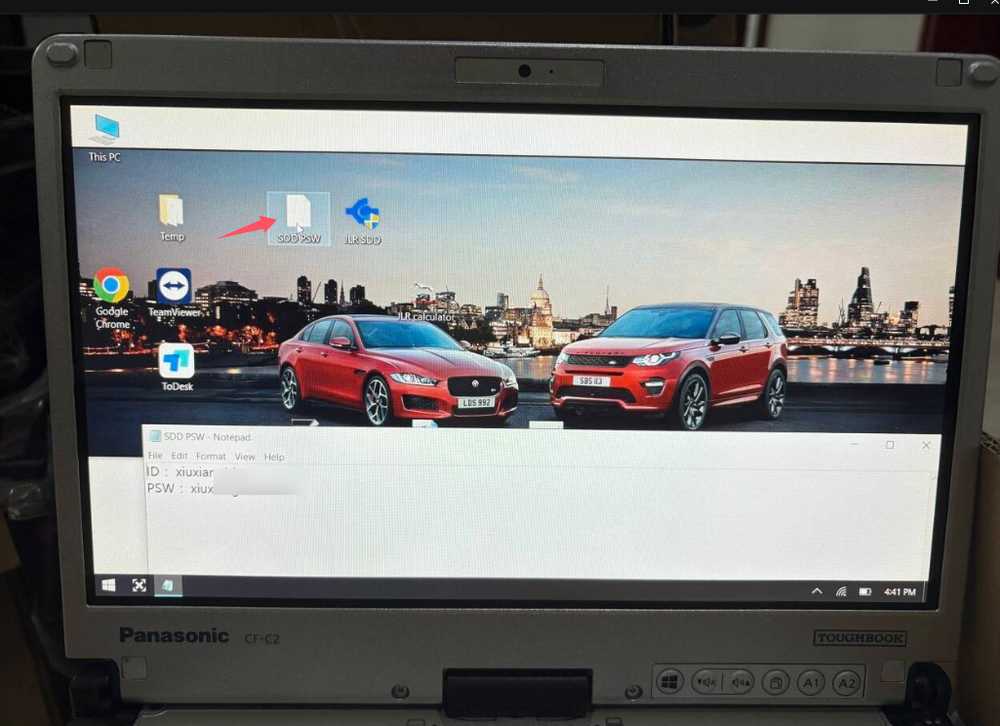
Login information is located in the SDD PSW document on the desktop.
2. Pathfinder Offline Software Login Instructions
Pathfinder is designed for newer Jaguar & Land Rover models and supports modern vehicle architectures.

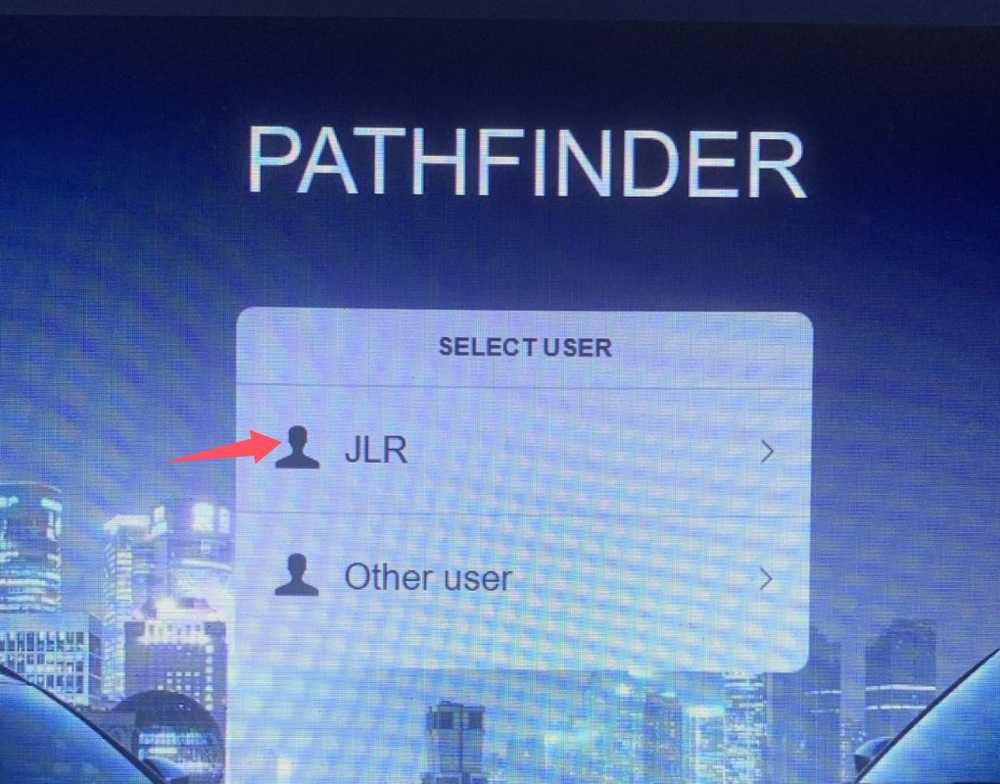
Select JLR and login directly with blank information
Important Notes
- Both SDD and Pathfinder are already pre-installed on the hard drive
- Internet connection is not required for offline diagnostics
- Do not attempt to update the software online unless instructed
- Use the correct system based on the vehicle model and year
Need Help or Technical Support?
If you have any questions during installation or use, feel free to contact us:
📧 Email: sales@obdii.shop
🌐 Website: https://www.obdii.shop/
Leave a Reply