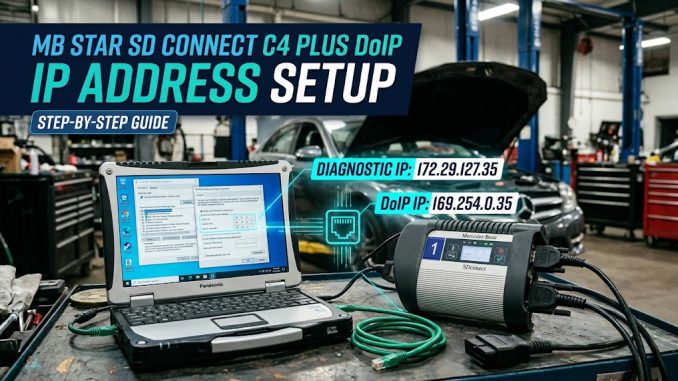
Recently , there have new customers from obdiishop stated they dont know how to setting IP address for MB Star C4
So we made this instructions as bellowing :
1. Open Local Area Connection.
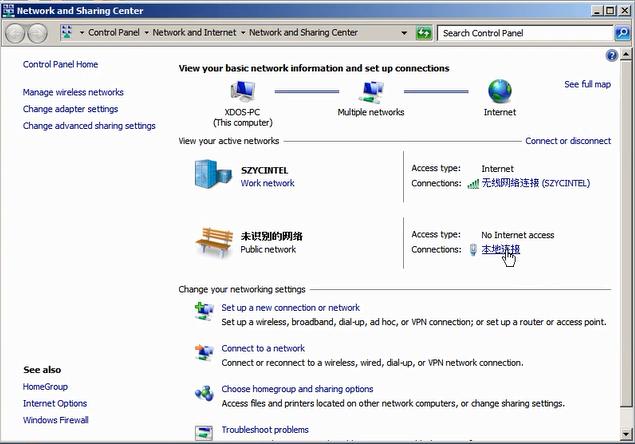
2. Click Properties
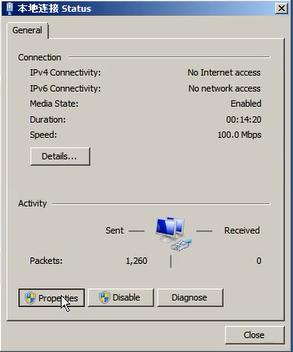
3. Setting
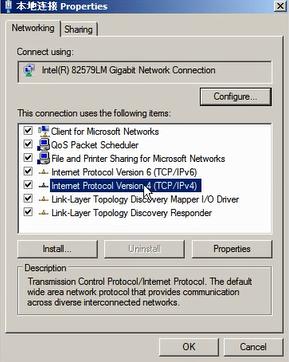
4. Please set the diagnostic IP address to 29.127.35
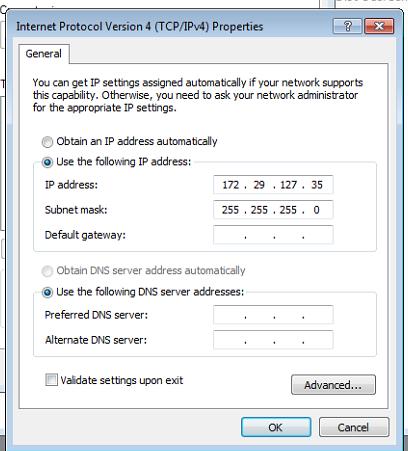
5. Select Advanced
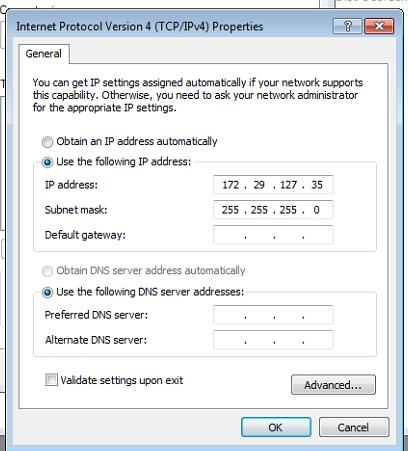
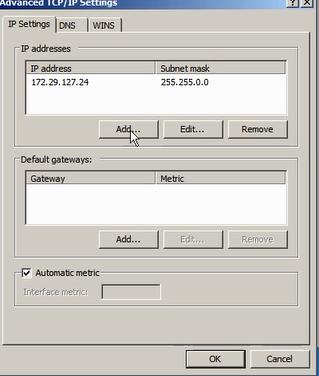
6. Click Add to set the IP address for DOIP.
7. Set the IP to 169.254.0.35
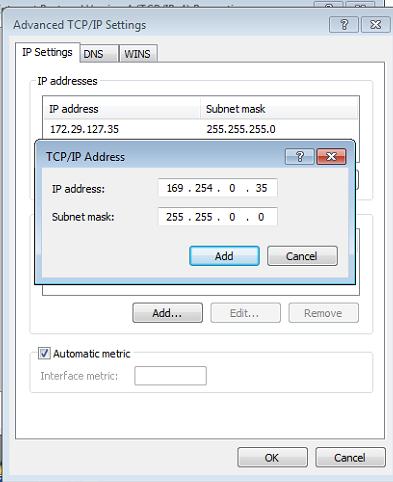
Click add, and click OK to finish the configuration.
Leave a Reply