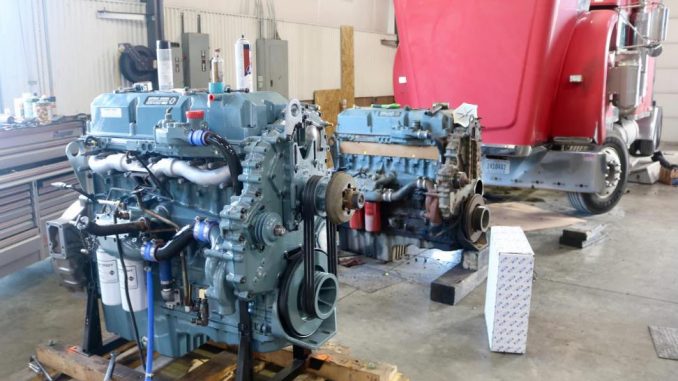
When diagnosing Detroit Diesel Series 60 engines equipped with DDEC V, understanding the ECM Input and Output configuration is essential for troubleshooting sensors, switches, and actuator functions.
This guide explains how to access and use the DDEC V ECM I/O Configuration screen in Detroit Diesel Diagnostic Link (DDDL) and how to test output functions safely.
🔧 What Is DDEC V ECM I/O Configuration?
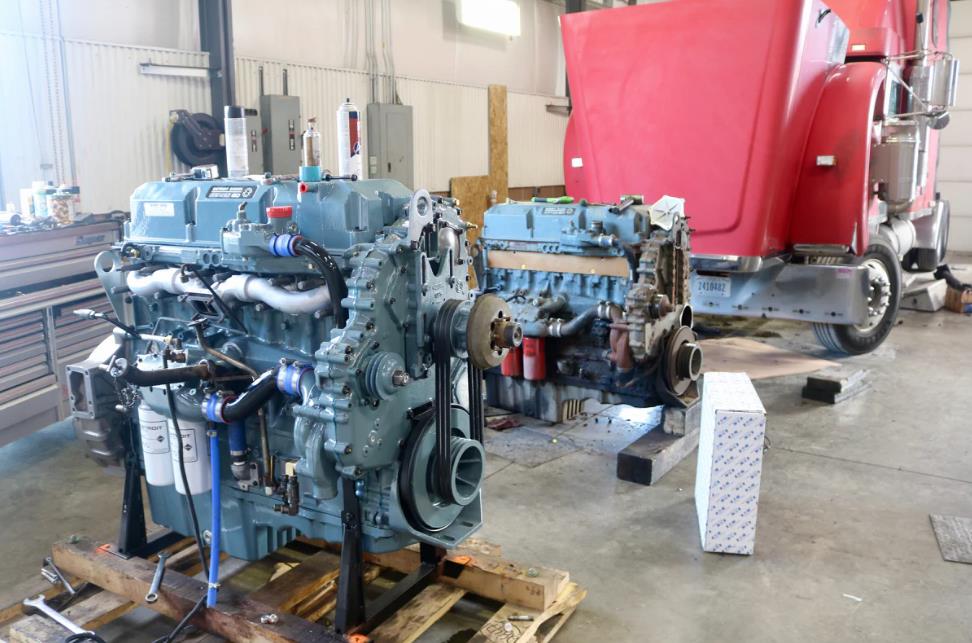
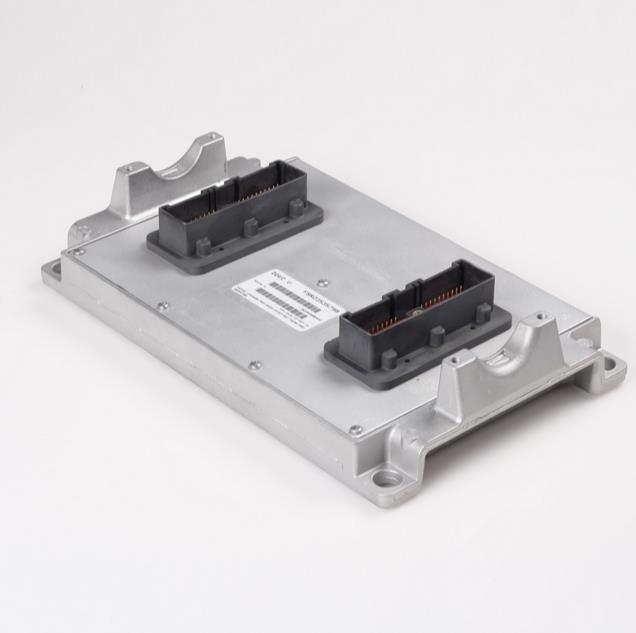
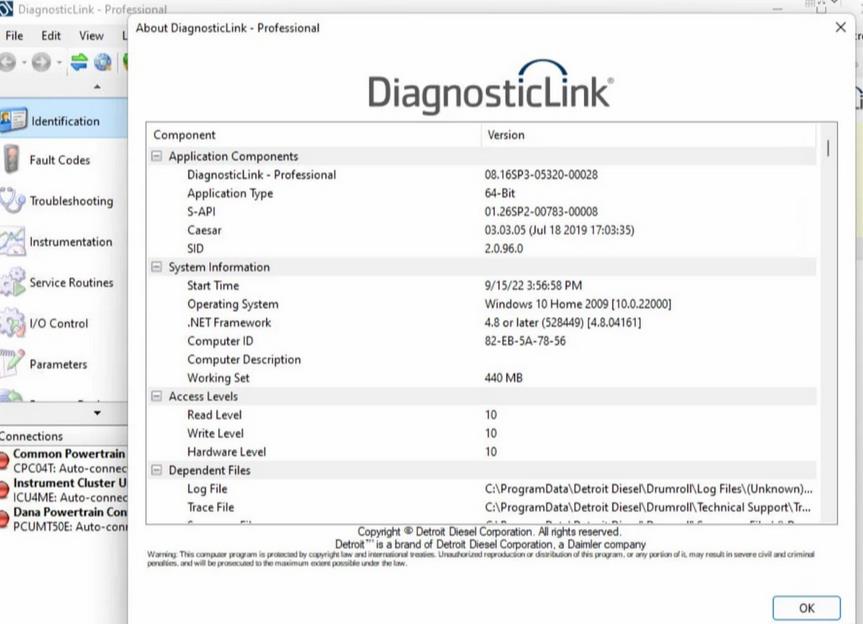
DDEC V Input and Output – Dialog Box
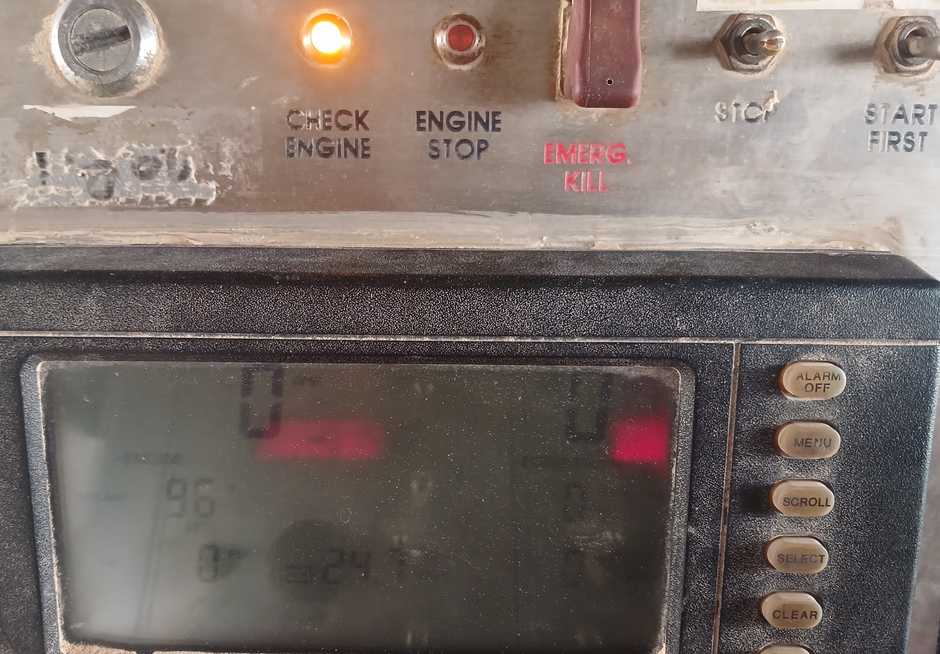
The DDEC V ECM I/O Configuration dialog box appears when:
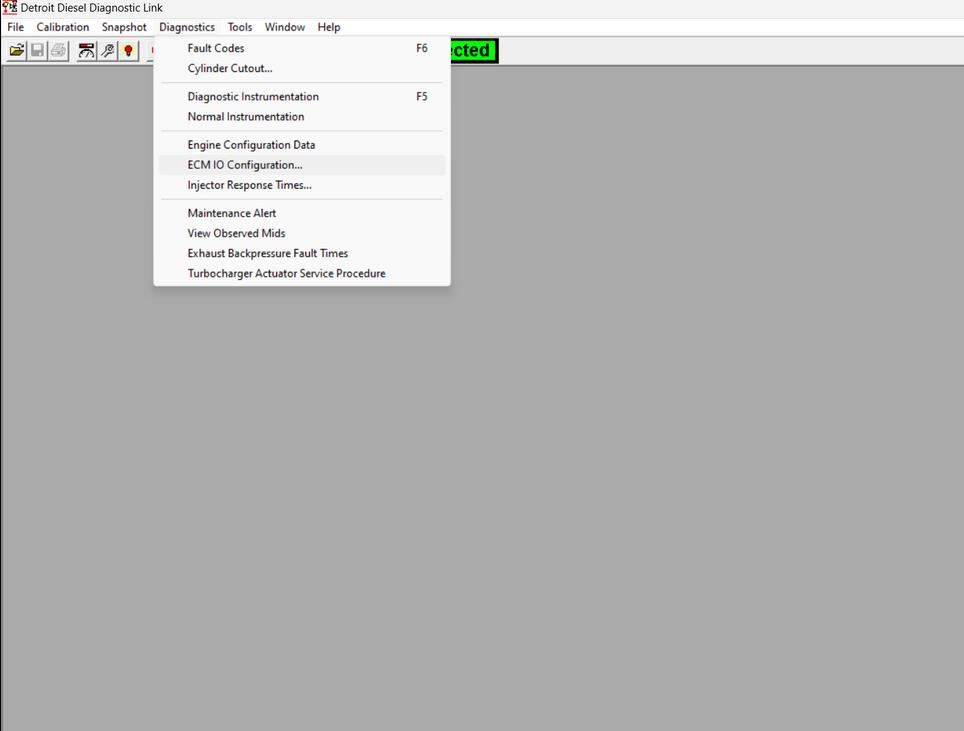
Diagnostics → ECM I/O Configuration
(with a DDEC V ECM connected)
This screen allows technicians to:
- View ECM input signals
- Temporarily activate output functions
- Save or print configuration records
📌 Tip: Before accessing I/O Configuration, make sure your DDDL is properly connected to the engine ECM.
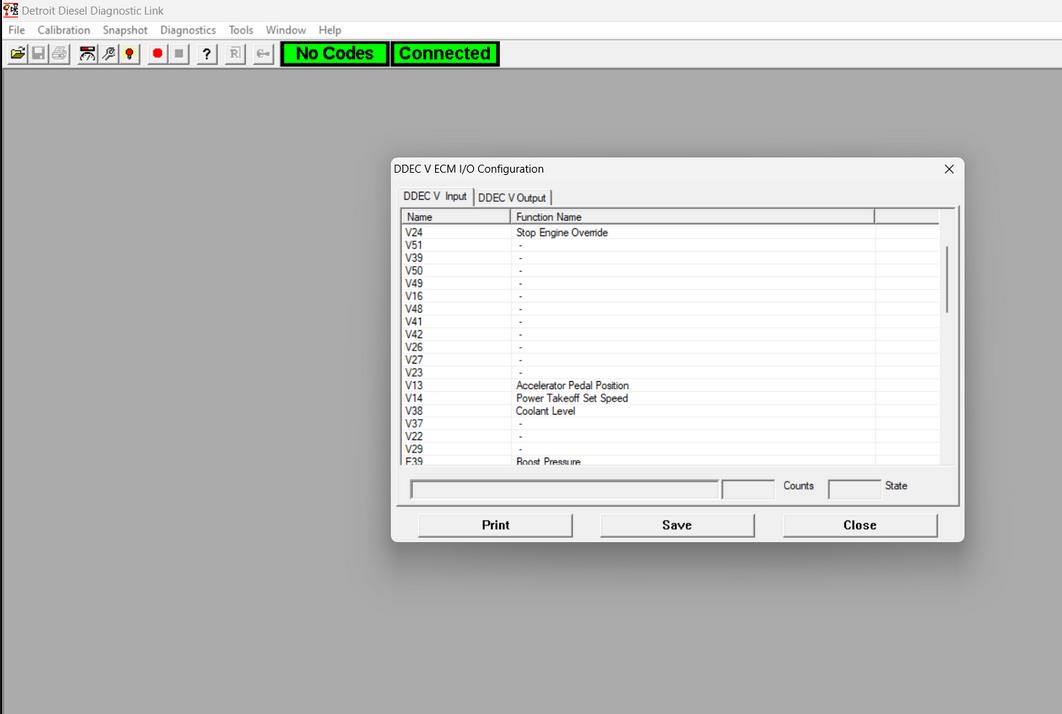
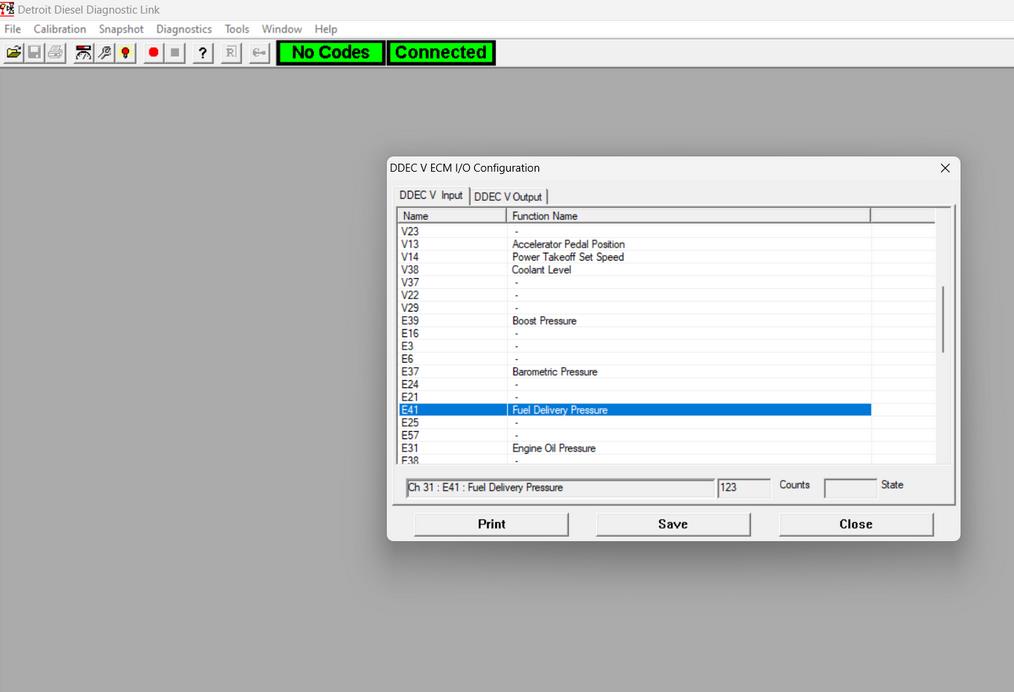
A) DDEC V Input Screen
The Input Screen displays all ECM input signals.
Important Notes:
- Inputs are for viewing only
- You cannot modify input values using DDDL
- Used mainly for troubleshooting sensor and switch status
How to Save the Input Configuration:
- Click Save
- The system automatically generates a file name
- A message box displays the file name and save location
How to Print the Input Configuration:
- Click Print
- Select printer options in the dialog box
- Confirm to print
This is useful when documenting engine condition for service reports.
B) DDEC V Output Screen
The Output Screen allows you to temporarily override ECM output functions for testing.
This is helpful when diagnosing:
- Check engine lamp operation
- Relay activation
- Solenoid control
- PWM-controlled components
How to Activate Outputs for Testing
Step 1: Select Output Function
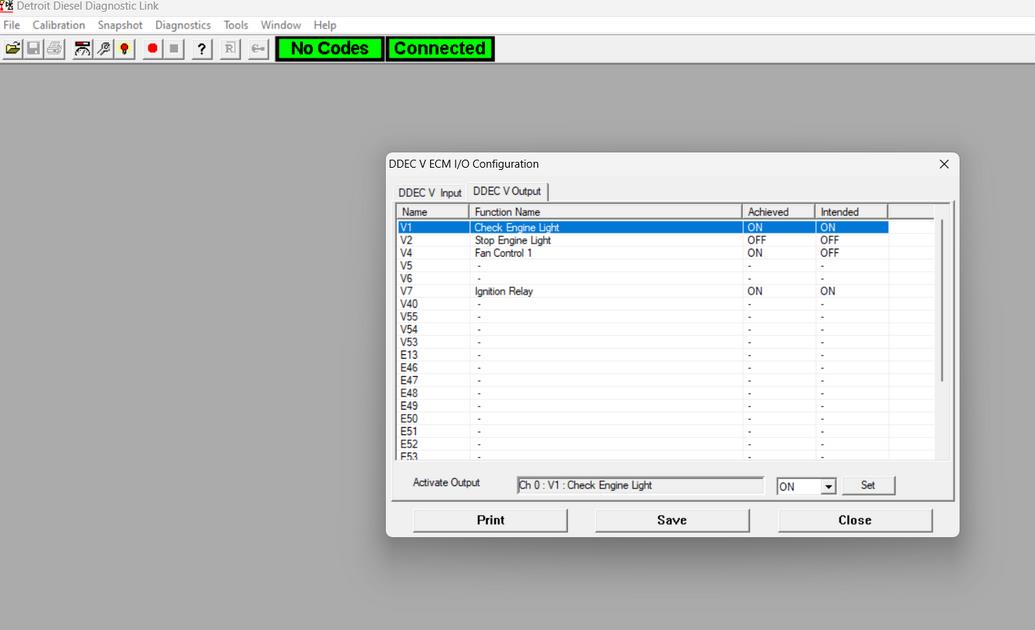
Click the desired output row (scroll if needed).
You will see:
- ON/OFF Outputs → Drop-down list (ON or OFF)
- PWM Outputs → Spin box to set percentage value
Step 2: Set the Value
You can either:
- Select ON or OFF
- Enter a PWM percentage manually
- Use the spin buttons to adjust PWM output
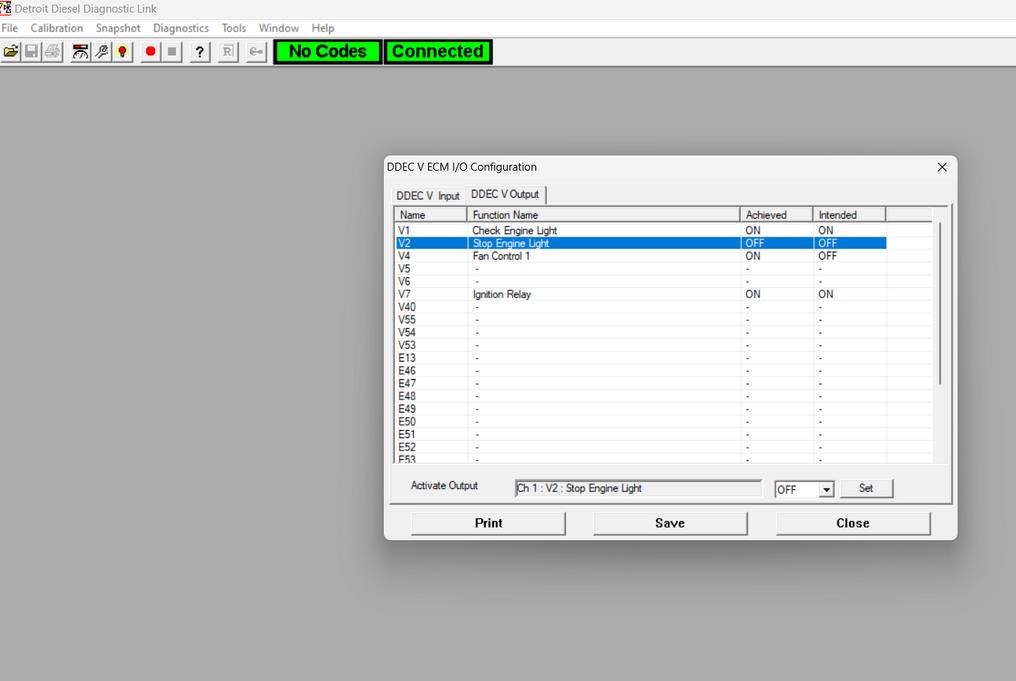
Step 3: Press “Set”
After pressing Set:
- The ECM will hold that output value
- The ECM will NOT change it automatically
- The override remains active until the dialog box is closed
Step 4: Repeat if Necessary
Repeat for any other outputs you want to test.
Important: What Happens When You Close the Screen?
When you press Close:
- All temporary output overrides are canceled
- Control returns to the ECM
- Output values reset to normal operation
⚠️ This ensures safe testing without permanent changes.
Saving and Printing Output Configuration
Just like the input screen:
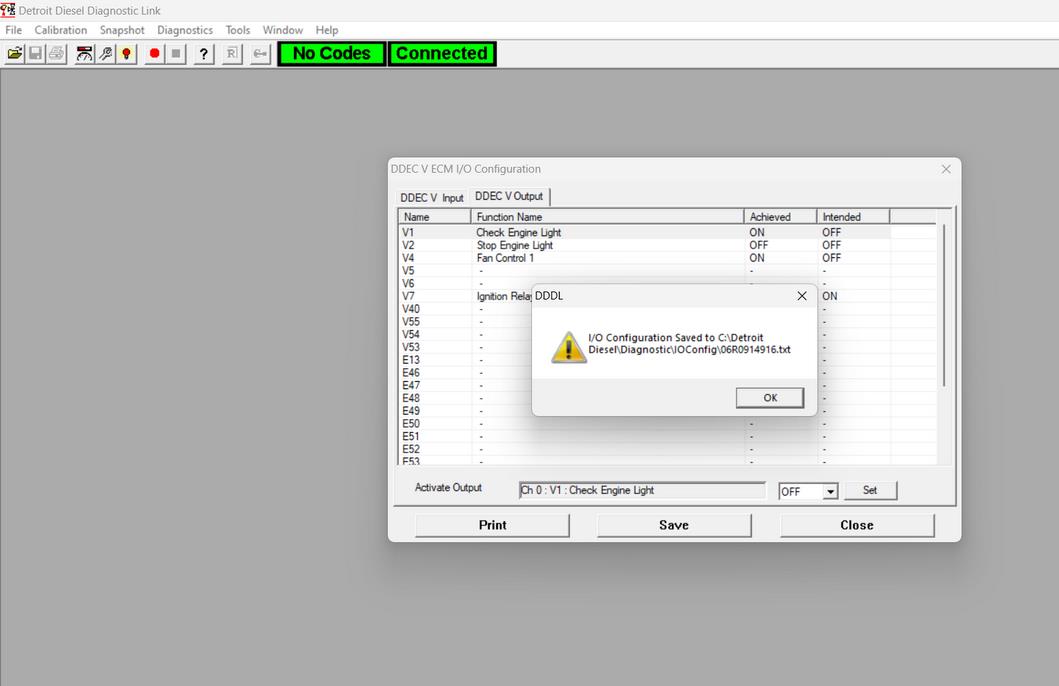
To Save:
Click Save → File is automatically generated → Location displayed
To Print:
Click Print → Choose printer settings → Confirm
Why Use DDEC V I/O Testing?
Using ECM I/O Configuration helps technicians:
✔ Diagnose electrical faults
✔ Verify actuator operation
✔ Confirm sensor input status
✔ Test relays and warning lamps
✔ Perform faster troubleshooting without part replacement
Need Detroit Diesel Diagnostic Tools?
At obdii.shop, we supply professional diagnostic tools compatible with:
If you need assistance selecting the correct tool or software version, contact our technical support team.
Frequently Asked Questions – DDEC V ECM Input & Output
1. What is DDEC V ECM I/O Configuration in DDDL?
DDEC V ECM I/O Configuration is a diagnostic function in Detroit Diesel Diagnostic Link (DDDL). It allows technicians to monitor ECM inputs and temporarily activate outputs when connected to a DDEC V engine.
2. Can input signals be changed in DDDL?
No. The Input screen is read-only. It displays sensor and switch information for diagnostic purposes, but values cannot be modified.
3. How do I activate an output in DDEC V?
Go to the Output screen, select the function you want to test, choose ON/OFF or set a PWM percentage, and press Set. The ECM will hold that value until the dialog box is closed.
4. Are output changes permanent?
No. All output changes are temporary. When you close the ECM I/O Configuration window, the outputs return to normal ECM control.
5. Why should I use DDEC V output testing?
It allows you to:
-
Test relays and actuators
-
Verify check engine lamp operation
-
Diagnose solenoid problems
-
Confirm PWM output performance
This reduces unnecessary part replacement.
6. What do I need to access DDEC V I/O Configuration?
You need:
-
Detroit Diesel Diagnostic Link (DDDL)
-
A compatible heavy-duty diagnostic adapter
-
Proper connection to a DDEC V engine ECM
Leave a Reply