Problem Description
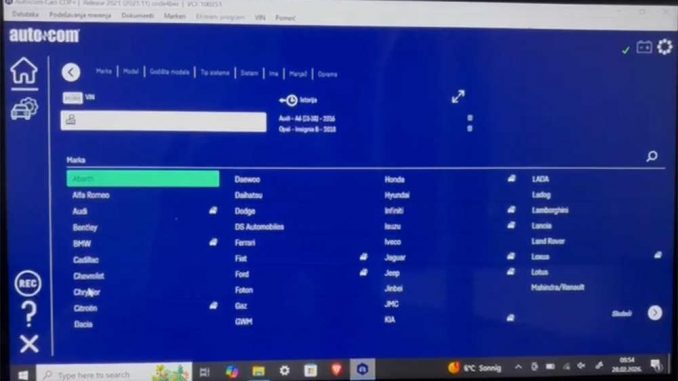
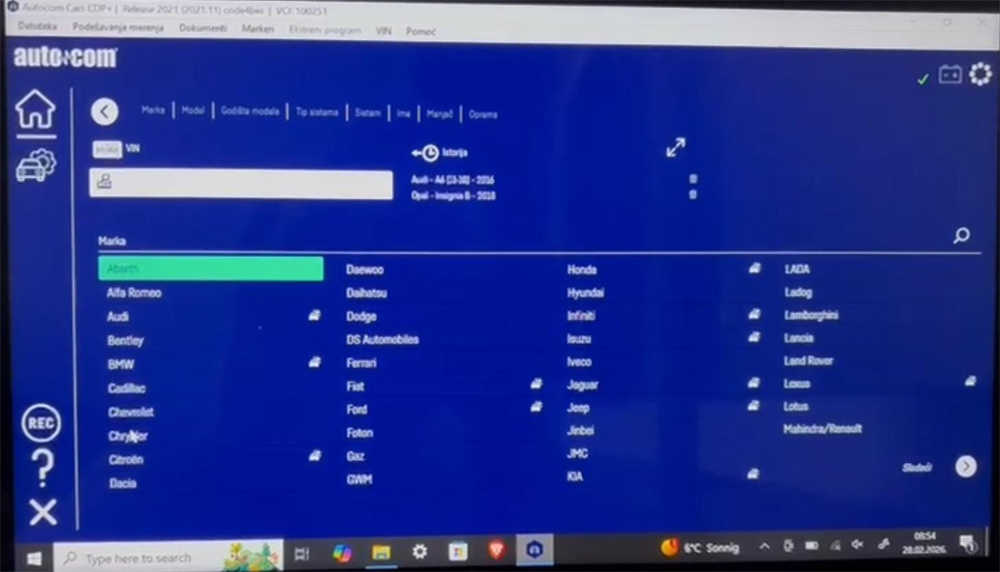
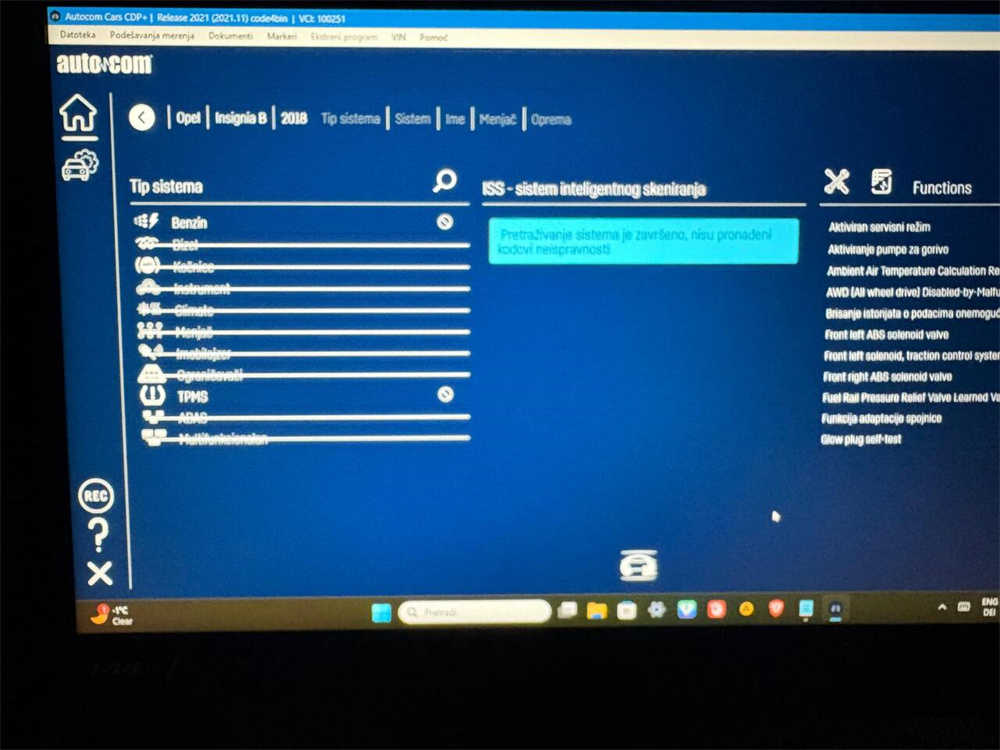
Some users reported an issue when using Autocom diagnostic software. After connecting the interface and performing a vehicle scan, the scan process completes successfully, but all the diagnostic options appear crossed out. In addition, the software does not detect any fault codes, making it impossible to proceed with diagnostics.
This problem usually occurs due to software conflicts or incorrect installation environments.
Possible Causes
The issue may occur for the following reasons:
- The software is installed on an unsupported operating system
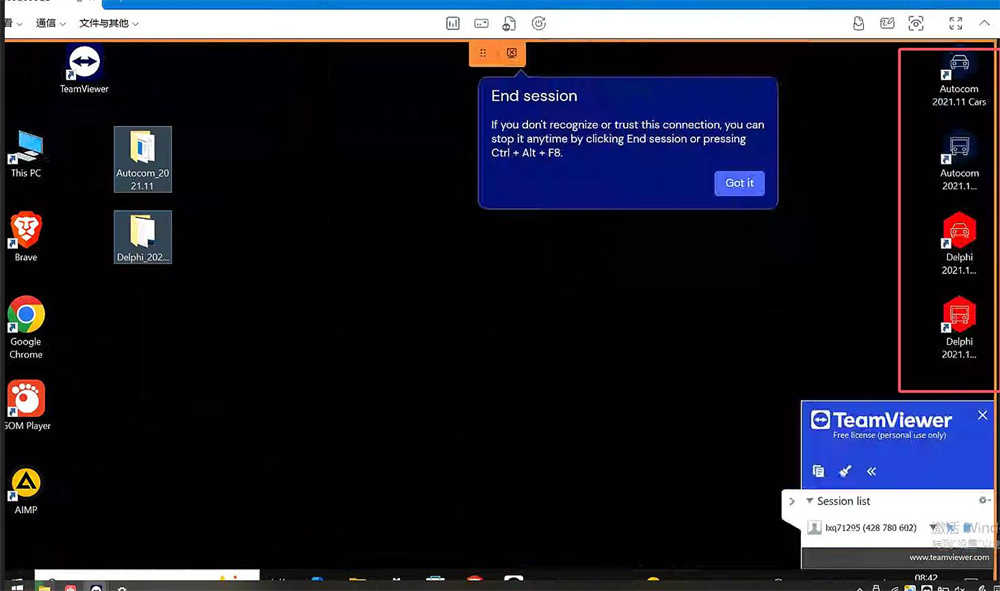
- Autocom and Delphi software are installed on the same laptop
- Software installation files or drivers are conflicting
Autocom and Delphi diagnostic software share similar system structures, and installing them together can cause system conflicts.
Solution
Follow the steps below to resolve the issue:
Step 1: Check the Operating System
Autocom software only supports the following systems:
- Windows 7
- Windows 10
If you are using another system version, the software may not function properly.
Step 2: Remove Conflicting Software
Autocom and Delphi cannot be installed on the same laptop.
- Go to Control Panel → Programs and Features
- Uninstall Autocom and Delphi software completely
- Restart the computer
Step 3: Reinstall Autocom Software
After removing conflicting programs:
- Install Autocom software again
- Install the required drivers
- Restart the laptop
- Connect the Autocom interface and run the software again
After reinstalling, the diagnostic options should return to normal and the system should be able to read vehicle fault codes correctly.
Additional Tips
- Always disable antivirus software during installation
- Avoid installing multiple similar diagnostic programs on the same computer
- Use a clean Windows system for best stability
Conclusion
If your Autocom software scan completes but all options are crossed out, the issue is most likely caused by a software conflict or incorrect installation environment. Removing Delphi software and reinstalling Autocom on a supported Windows system usually resolves the problem.
If the problem still persists, contact your supplier or technical support for further assistance.
FAQ
Why are all diagnostic options crossed out in Autocom software?
This usually happens when there is a software conflict, especially if Autocom and Delphi are installed on the same laptop.
Can Autocom and Delphi software be installed on the same computer?
No. These two programs share similar components and cannot run correctly on the same system.
Which operating systems support Autocom software?
Autocom diagnostic software works best with Windows 7 and Windows 10.
Will reinstalling Autocom fix the issue?
Leave a Reply