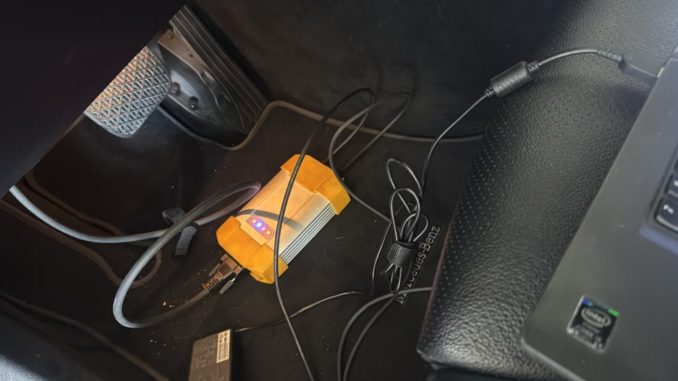
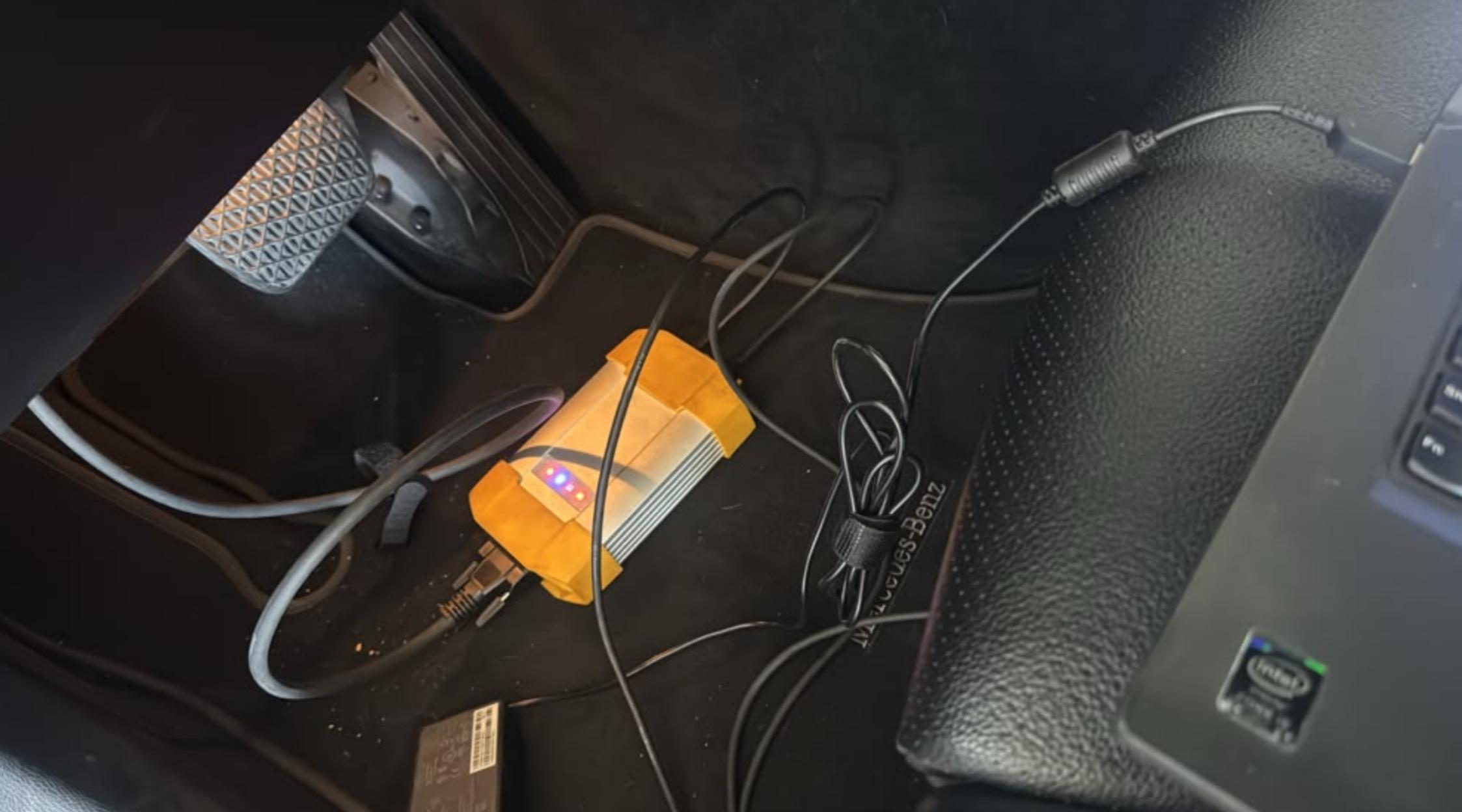
A customer recently contacted the OBDII.SHOP support team about an Allscanner VXDIAG diagnostic tool issue. The Mercedes software could be opened on the laptop, but when the customer tried to connect it to the vehicle, the software would not continue running.
The customer also mentioned that the car was not available at the time and asked whether the issue could still be checked remotely.
Based on our support experience, this problem was not caused by the vehicle or the VXDIAG hardware itself. In this case, the software could not work correctly because the wrong login ID and password had been used.
Customer Problem
The customer reported:
“I bought the Allscanner VXDIAG Diagnostic Tool. I can open the Mercedes software, but when connecting to the car it won’t run. I don’t have the car with me. Can you still do it?”
This means the software was installed and could be launched, but the connection process could not continue correctly.
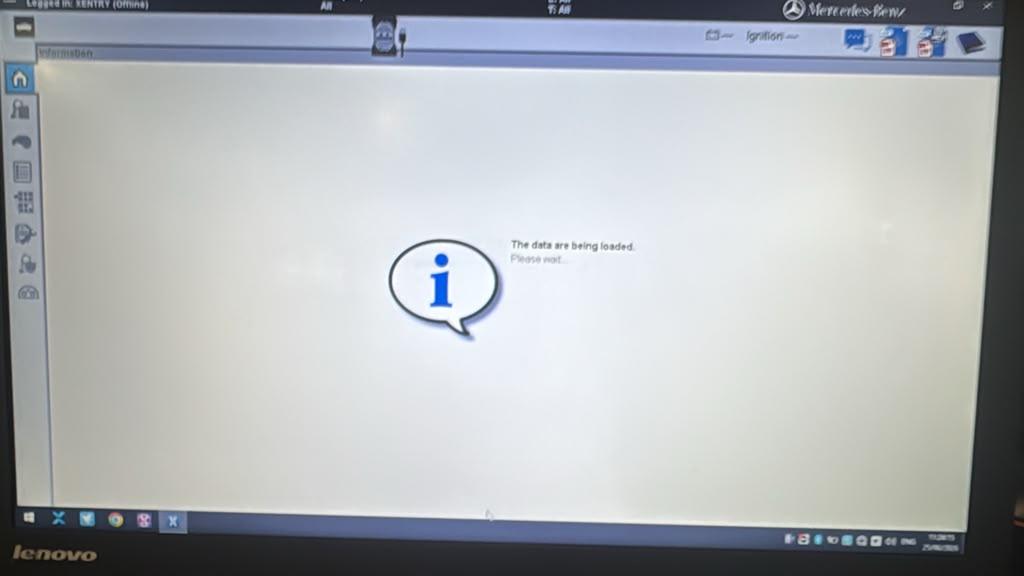
Cause of the Problem
After checking the situation, the OBDII.SHOP engineer confirmed that the issue was related to the wrong login ID.
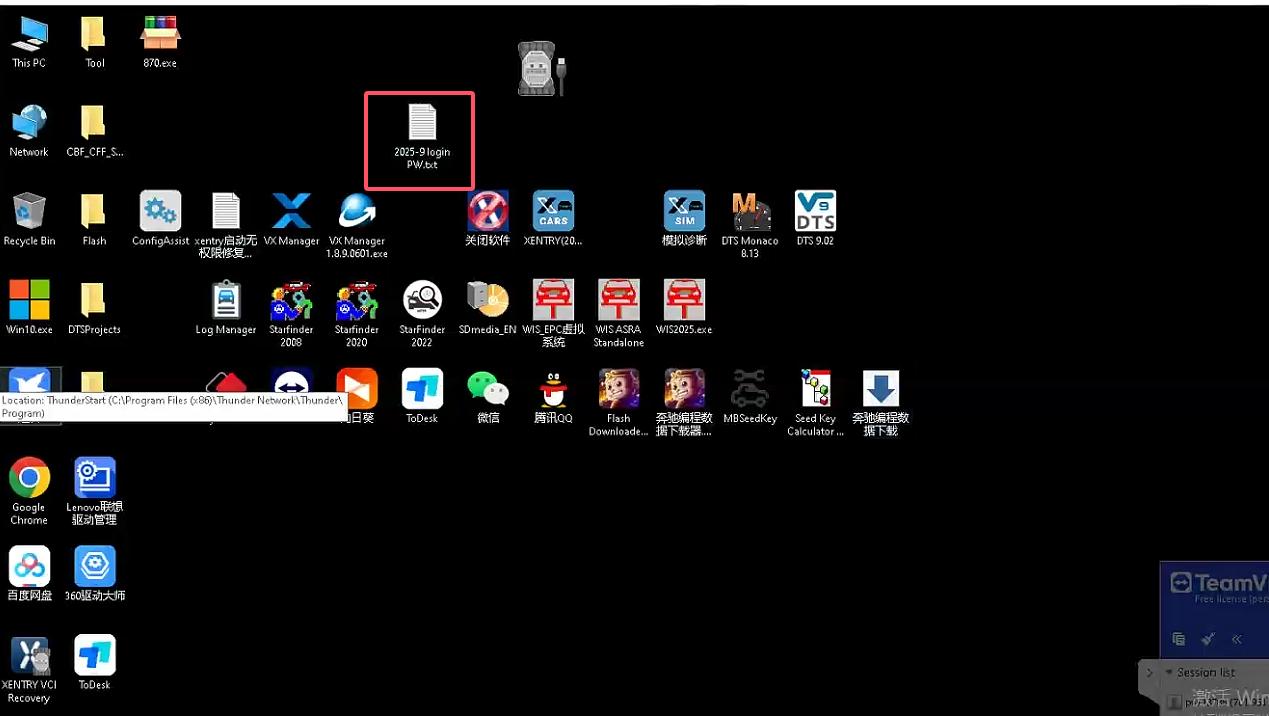
For this VXDIAG Mercedes software package, the correct login information is already included in a desktop TXT instruction file. If the wrong user ID or password is entered, the software may open but fail to work properly when trying to diagnose the vehicle.
Correct Solution
Please use the following login method:
Login ID: VXDIAG
Password: Leave it blank
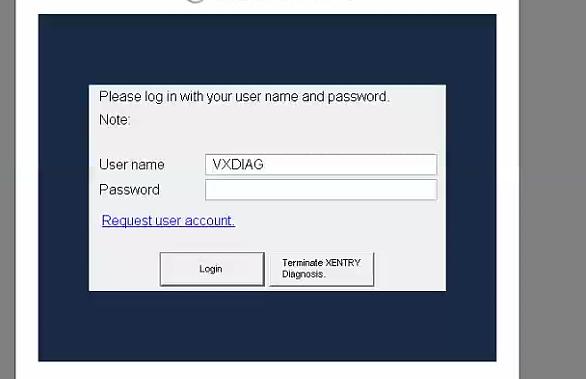
Do not enter any password. Use the ID VXDIAG and log in directly.
After using the correct ID, the Mercedes software should open and work normally.
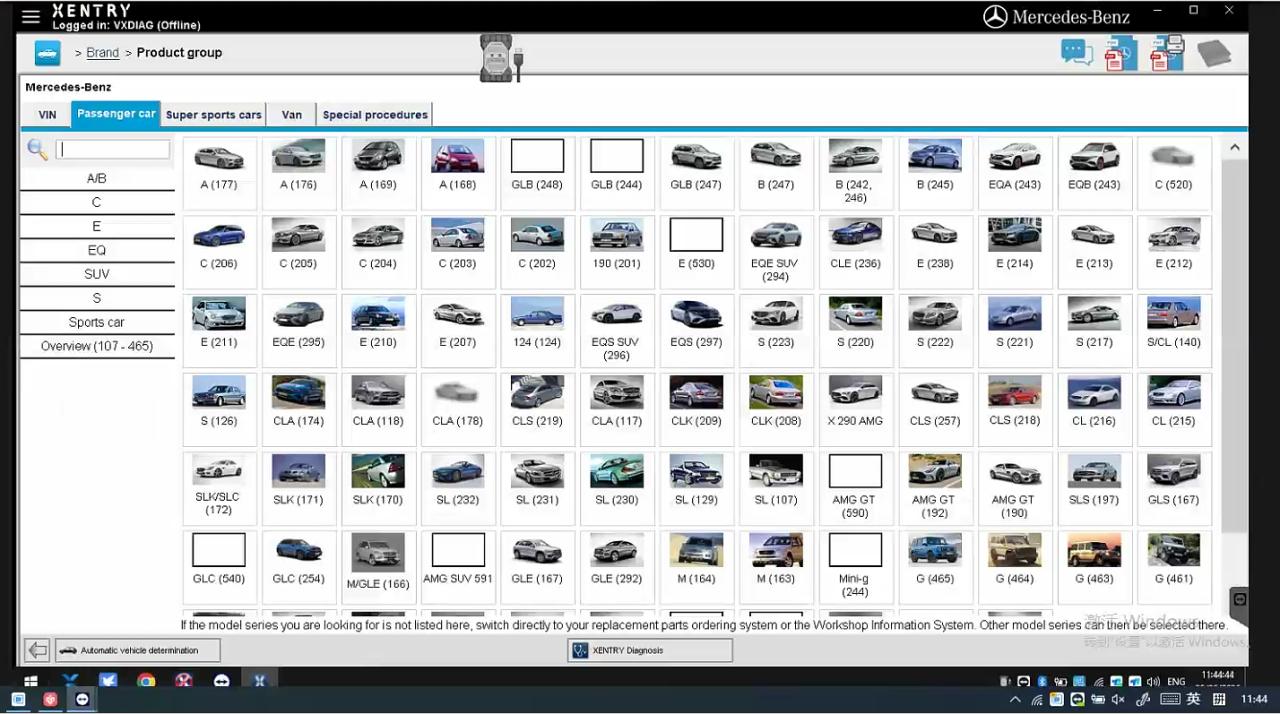
Step-by-Step Fix
- Turn on the laptop supplied with the VXDIAG diagnostic tool.
- Check the desktop for the TXT instruction file.
- Confirm the login information shown in the file.
- Open the Mercedes diagnostic software.
- When the login screen appears, enter:VXDIAG
- Leave the password field empty.
- Click login or confirm to enter the software.
- Connect the VXDIAG device to the vehicle through the OBD port.
- Turn the vehicle ignition ON.
- Run the Mercedes diagnostic software again and start vehicle diagnosis.
Can This Be Fixed Without the Car?
Yes, the login problem can usually be checked without the car.
However, a complete vehicle communication test still requires the diagnostic tool to be connected to a real vehicle. If the customer does not have the car nearby, the engineer can help confirm the software login and basic software operation first. After the vehicle is available, the customer can connect the VXDIAG device and test communication with the car.
Engineer’s Note
From our support experience, many Mercedes diagnostic software problems are caused by using the wrong login information, wrong desktop shortcut, or incorrect software operation steps.
Before reinstalling the software, we recommend checking the desktop instruction file first. Reinstalling the system is usually not the first solution and may create additional activation or driver problems.
Final Result
After using the correct login ID VXDIAG with no password, the software can enter normally and continue the diagnostic process.
If you still cannot connect to the vehicle after using the correct login information, please check the following:
- VXDIAG device is connected to the laptop correctly
- OBD cable is connected firmly
- Vehicle ignition is turned ON
- VX Manager driver is working properly
- Correct Mercedes software shortcut is used
- Vehicle battery voltage is stable
Need Help?
If you purchased the Allscanner VXDIAG Diagnostic Tool from OBDII.SHOP and need help with software login, driver setup, or Mercedes vehicle connection, please contact our support team.
Email: sales@obdii.shop
Please include your order number, software screenshot, VX Manager screenshot, and a short description of the problem. If remote support is needed, our engineer can help check the software environment.
FAQ
Q: Why is my Allscanner VXDIAG Mercedes software stuck when connecting to the car?
A: In this case, the problem was caused by using the wrong login ID or password. The correct login ID is VXDIAG, and the password field should be left blank.
Q: What is the correct login ID for VXDIAG Mercedes software?
A: The correct login ID is VXDIAG. Do not enter a password. Leave the password field empty and log in directly.
Q: Can OBDII.SHOP check the VXDIAG Mercedes software without the car?
A: Yes, the software login and basic software operation can be checked without the car. However, a complete vehicle communication test requires the VXDIAG device to be connected to a real vehicle.
Q: Should I reinstall the VXDIAG Mercedes software if it gets stuck?
A: Reinstallation is not recommended as the first step. First, check the desktop TXT instruction file and confirm that you are using the correct login ID VXDIAG with no password.
Leave a Reply