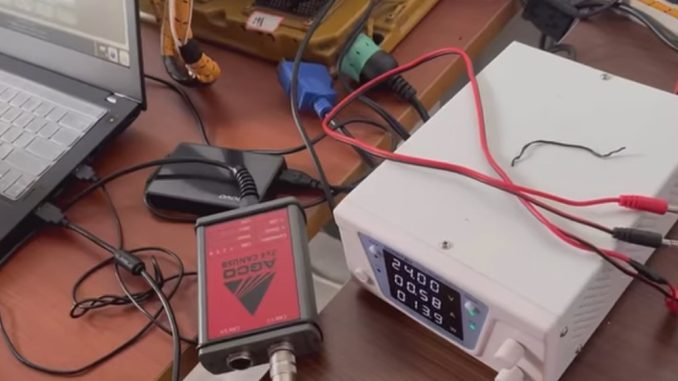
Modern agricultural equipment increasingly relies on electronics, software, and communication networks.
Today’s tractors, harvesters, and power units are no longer controlled only by mechanical components. Machines from brands such as Fendt, Massey Ferguson, and SISU Power use electronic control units (ECUs), sensors, and CAN bus communication systems to monitor engine performance, transmission operation, hydraulic systems, and other important functions.
When an agricultural machine develops a problem, traditional mechanical inspection may not always provide enough information. Technicians need accurate electronic data to understand what is happening inside the machine.
This is where AGCO Diagnostic Software, especially solutions such as AGCO EDT (Electronic Diagnostic Tool), becomes an important diagnostic solution.
AGCO diagnostic software helps technicians communicate with compatible agricultural equipment, read fault codes, monitor live parameters, perform system checks, and improve troubleshooting accuracy.
For agricultural repair shops, independent technicians, and equipment owners, understanding how AGCO diagnostics work can help reduce downtime and improve maintenance efficiency.
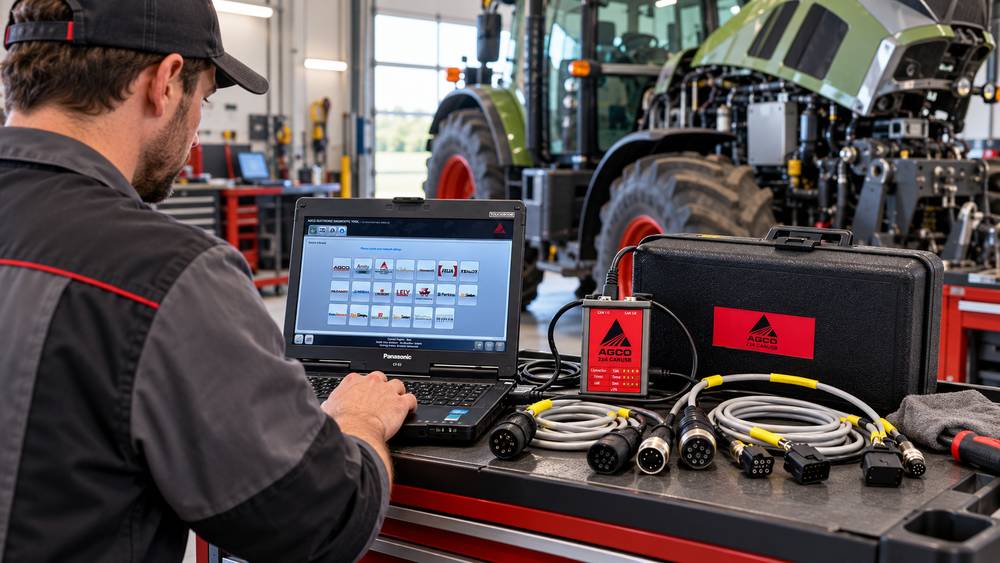
What Is AGCO Diagnostic Software?
AGCO Diagnostic Software is a professional diagnostic solution that communicates with electronic systems installed on compatible AGCO agricultural equipment.
Instead of diagnosing problems only through visual inspection or experience, technicians can connect diagnostic equipment to the machine and retrieve information directly from electronic control modules.
The typical diagnostic connection workflow is:
Laptop → AGCO Diagnostic Software → Communication Interface → Machine Diagnostic Connector → ECU Network
Through this connection, technicians can access information from different electronic systems, including:
- Engine control modules
- Transmission systems
- Hydraulic controllers
- PTO systems
- Steering systems
- Brake systems
- Emission-related systems
By analyzing electronic data, technicians can identify possible causes faster and avoid replacing components unnecessarily.
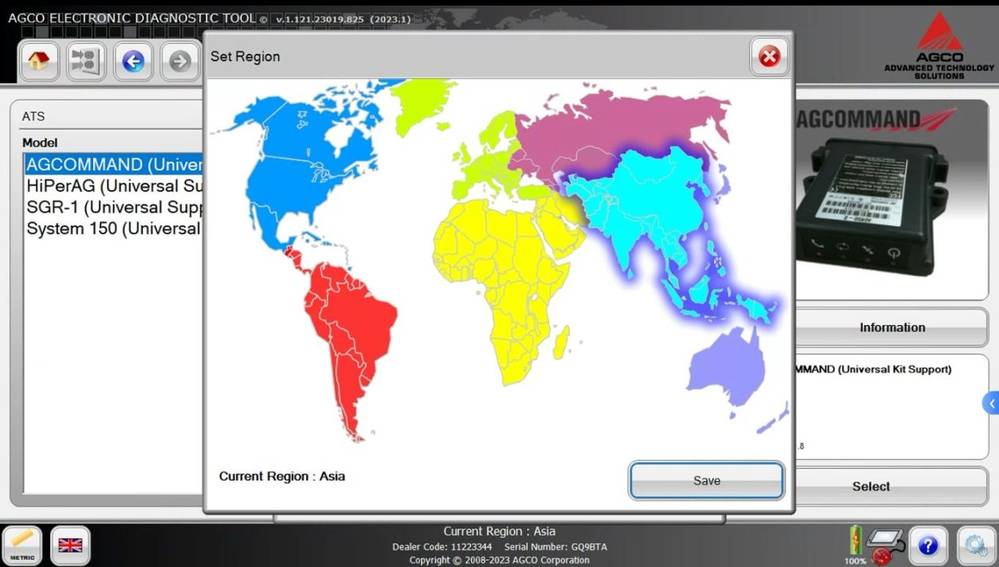
Main Functions of AGCO EDT Diagnostic Software
1. Read and Analyze AGCO Fault Codes
One of the most important functions of AGCO diagnostic software is diagnosing electronic faults.
Modern agricultural machines continuously monitor operating conditions through sensors and ECUs. When abnormal conditions occur, fault information is stored in the machine control modules.
AGCO EDT helps technicians:
- Read active fault codes
- Check stored fault history
- Identify related ECUs
- Locate possible failure areas
- Confirm whether repairs solved the problem
For example, if a tractor experiences:
- Reduced engine power
- Hydraulic warnings
- Transmission problems
- Sensor-related faults
Technicians can first analyze diagnostic information before replacing parts.
This changes the repair process from:
Symptom → Guess → Replace Parts
to:
Fault Data → Testing → Confirm Repair
2. Live Data Monitoring
Fault codes show where a problem may exist, but live data helps explain how the system is operating.
AGCO diagnostic software can display real-time machine parameters, including:
- Engine speed
- Coolant temperature
- Fuel pressure
- Hydraulic system information
- Sensor values
- ECU status
Live data is especially useful for intermittent failures.
For example:
A tractor may work normally when unloaded but lose performance during field operation.
By monitoring live data under actual operating conditions, technicians can compare:
- Normal values
- Actual readings
- Sensor responses
- System behavior
This helps identify problems that may not appear during a simple inspection.
3. ECU Communication and Component Testing
Modern agricultural machines contain multiple ECUs that communicate through onboard networks.
AGCO diagnostic software allows technicians to communicate with supported control modules.
Possible diagnostic functions include:
- Reading ECU information
- Checking module status
- Monitoring communication
- Performing supported component tests
This helps technicians determine whether a problem is caused by:
- Electrical issues
- Sensor failures
- Communication problems
- Mechanical faults
4. Calibration and System Adjustment Support
After replacing certain components, some agricultural machines may require calibration or adjustment procedures.
Depending on the machine model and available diagnostic functions, AGCO diagnostic solutions may support procedures such as:
- Sensor calibration
- Hydraulic adjustment
- Steering calibration
- Component configuration
Correct calibration helps ensure replaced components work correctly with the machine control system.
5. Maintenance and Service Support
AGCO diagnostic software can also assist with routine maintenance.
Technicians may use diagnostic information to:
- Review fault history
- Check machine status
- Verify repairs
- Support maintenance procedures
This helps workshops shift from reactive repairs to preventive maintenance.
AGCO Diagnostic Software Supported Brands
| Brand | Diagnostic Application |
|---|---|
| Fendt | Electronic system diagnosis and troubleshooting |
| Massey Ferguson | ECU communication and machine diagnostics |
| SISU Power | Engine-related diagnostic support |
| Other AGCO Equipment | Depends on model, year, and software support |
Important:
Available diagnostic functions depend on the specific machine model, production year, ECU configuration, and software capability.
AGCO Diagnostic Software vs Universal OBD2 Scanner
Many technicians ask:
Can a normal OBD2 scanner diagnose AGCO tractors?
In most cases, agricultural equipment requires manufacturer-specific diagnostic solutions because these machines use specialized communication systems.
| Feature | Universal OBD2 Scanner | AGCO Diagnostic Software |
|---|---|---|
| Vehicle Type | Passenger vehicles | Agricultural equipment |
| Fault Code Access | Basic vehicle codes | Machine-specific ECU information |
| Live Data | Limited | Agricultural system parameters |
| ECU Communication | Limited | Designed for supported systems |
| Heavy Equipment Support | Limited | Better suited for compatible AGCO machines |
For professional agricultural repair, a dedicated diagnostic solution is usually more appropriate than a general automotive scanner.
AGCO Diagnostic Hardware Requirements
A complete diagnostic setup usually includes:
Windows Laptop
A reliable laptop is required for:
- Running diagnostic software
- Displaying live data
- Maintaining communication stability
Recommended considerations:
- Sufficient RAM
- Stable operating system
- Enough storage space
Compatible Diagnostic Interface
The interface acts as the communication bridge between:
- Laptop
- Diagnostic software
- Machine ECU network
The correct interface is essential because different machines may use different communication requirements.
Diagnostic Cables and Adapters
Before diagnosis, technicians should confirm:
- Connector type
- Interface compatibility
- Machine support
Incorrect cables or adapters may prevent communication.
How AGCO Diagnostic Software Uses CAN Bus Communication
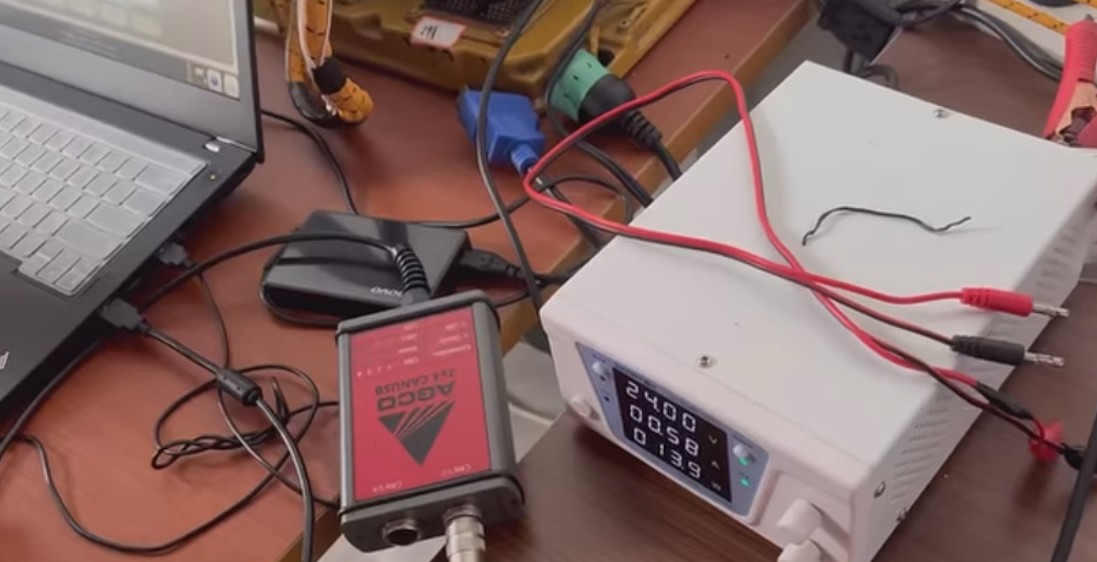
CAN Bus (Controller Area Network) is a communication system that lets electronic control units exchange information.
Modern agricultural equipment uses CAN networks to connect:
- Engine ECU
- Transmission controller
- Hydraulic systems
- Sensors
- Other electronic modules
The diagnostic workflow is usually:
Step 1: Connect Diagnostic Interface
Connect the interface to the machine diagnostic port.
Step 2: Identify Machine Information
The software communicates with the machine and retrieves available information.
Step 3: Scan ECU Systems
The diagnostic software checks supported control modules.
Step 4: Analyze Diagnostic Data
Technicians review:
- Fault codes
- Live data
- ECU information
- Communication status
Step 5: Verify Repairs
After repair:
- Confirm fault removal
- Test machine operation
- Check system communication
Common AGCO Diagnostic Problems and Solutions
Problem 1: AGCO Software Cannot Communicate With Machine
Possible causes:
- Incorrect interface driver
- Loose cable connection
- Incorrect machine selection
- Communication adapter issue
Solutions:
- Check interface drivers.
- Confirm all connections.
- Verify machine information.
- Restart diagnostic software.
Problem 2: Fault Codes Return After Clearing
A returning fault code usually means the underlying problem remains.
Recommended process:
- Record the fault code.
- Check related live data.
- Test connected components.
- Repair the root cause.
- Perform another scan.
Problem 3: Communication Disconnects During Diagnosis
Possible causes:
- Low battery voltage
- Poor connection
- Laptop sleep mode
- Driver problems
Recommended precautions:
- Maintain stable power supply
- Avoid disconnecting cables
- Disable computer sleep mode
- Use reliable diagnostic hardware
Recommended AGCO Diagnostic Solution for Independent Workshops
For technicians servicing compatible AGCO agricultural equipment, a professional diagnostic setup can improve troubleshooting efficiency.
A complete solution may include:
- AGCO diagnostic software
- Compatible communication interface
- Windows laptop
- Diagnostic accessories
Recommended Product
AGCO Diagnostic Software / AGCO EDT Diagnostic Tool
👉 Product Link:
With a suitable AGCO diagnostic solution, technicians can improve:
✓ Fault diagnosis efficiency
✓ ECU communication capability
✓ Troubleshooting accuracy
✓ Maintenance planning
Frequently Asked Questions
What is AGCO Diagnostic Software used for?
AGCO Diagnostic Software communicates with compatible agricultural equipment electronic systems, allowing technicians to read fault codes, view live data, and troubleshoot machine problems.
Can AGCO EDT diagnose Fendt and Massey Ferguson tractors?
AGCO diagnostic solutions support compatible AGCO equipment. Actual functions depend on the machine model, year, ECU configuration, and software capabilities.
Can a normal OBD2 scanner diagnose AGCO tractors?
Most universal automotive scanners don’t offer the same level of access as manufacturer-specific agricultural diagnostic solutions.
Does AGCO diagnostic software replace mechanical repair?
No. Diagnostic software provides electronic information, but mechanical inspection and repair knowledge are still required.
What laptop is needed for AGCO diagnostics?
A Windows-based laptop with sufficient performance, storage, and compatible drivers is recommended.
Conclusion
AGCO Diagnostic Software has become an important tool for modern agricultural equipment maintenance.
With functions including:
- ECU fault diagnosis
- Live data monitoring
- System communication
- Supported testing procedures
- CAN bus analysis
technicians can diagnose problems faster and make more accurate repair decisions.
For independent workshops and agricultural professionals, a reliable AGCO diagnostic setup can help reduce equipment downtime and improve service efficiency.
Leave a Reply