Is your Volvo VOCOM 88890300 diagnostic interface not connecting to your truck? Common causes include diagnostic cable problems, incorrect Volvo Premium Tech Tool (PTT) settings, adapter driver issues, or vehicle communication faults.
Here is a real OBDII Shop customer case involving a 2005 Volvo FM12 truck, where our engineer helped restore the diagnostic connection remotely.
Customer Case: Volvo VOCOM Cannot Connect to Volvo FM12
A customer purchased the Volvo VOCOM 88890300 Interface with PTT Software and a Lenovo T420 Laptop from OBDII Shop.
The system ran PTT 2.8.150 and worked normally for about a year before it suddenly stopped connecting to the truck.
Customer feedback:
“I bought the Volvo VOCOM 88890300 with PTT 2.8.150 software and a Lenovo T420 laptop. It worked well for about one year, but now it cannot connect to my 2005 Volvo FM12.”
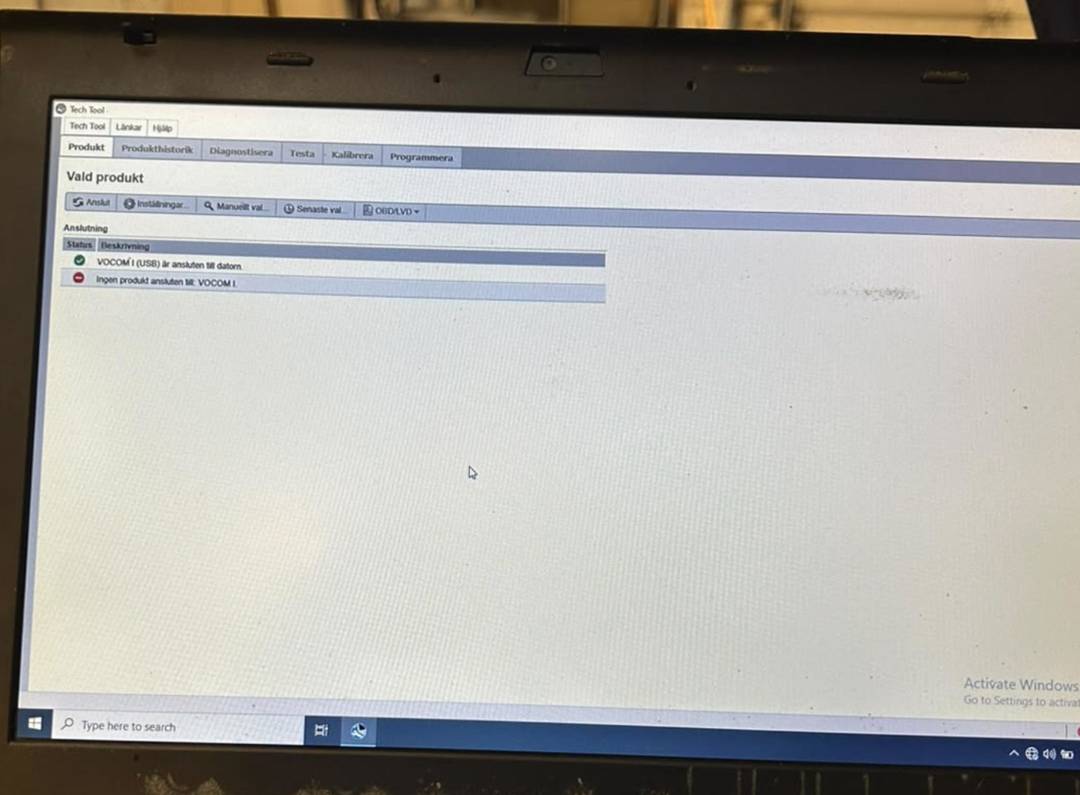
The customer contacted OBDII Shop for assistance. Our engineer provided remote troubleshooting through TeamViewer, and the customer confirmed that the diagnostic system was working again.
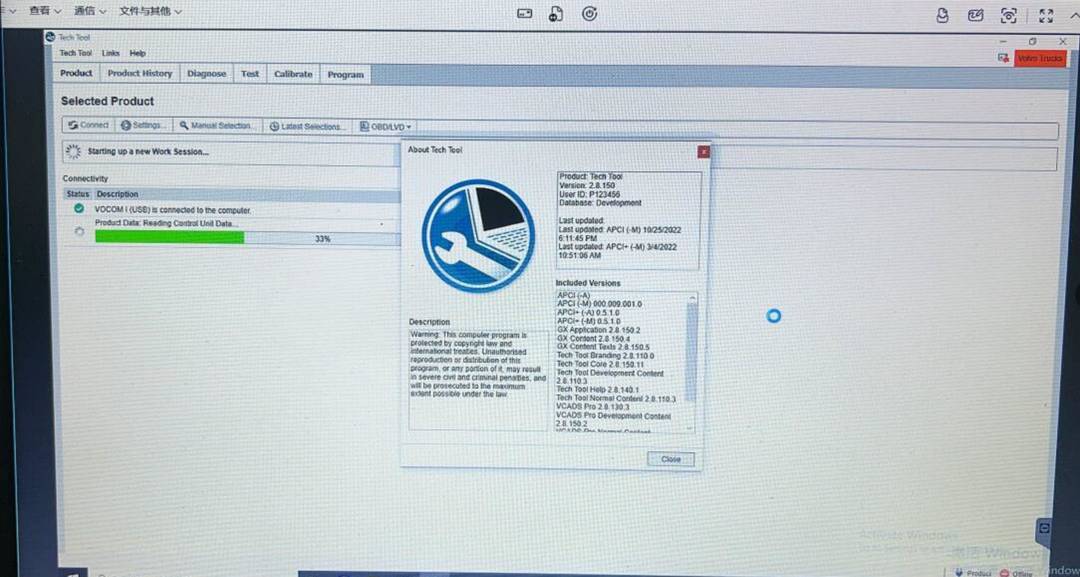
How to Fix Volvo VOCOM 88890300 Connection Problems
If your Volvo VOCOM cannot communicate with the truck, follow these troubleshooting steps.
1. Check the Diagnostic Cable and Connector
- Turn the truck ignition ON.
- Make sure the VOCOM diagnostic cable is firmly connected.
- Older Volvo FM12 trucks commonly use an 8-pin Volvo diagnostic connector. Confirm the correct connector for your vehicle.
- Inspect the connector, power supply, ground, and relevant fuses.
2. Check the VOCOM USB Connection
- Reconnect the USB cable between the adapter and the laptop.
- Check whether Windows recognizes the VOCOM interface.
- Try a different USB port or cable if needed.
- Restart the laptop and diagnostic software.
3. Verify Volvo PTT Software Settings
- Open Volvo Premium Tech Tool.
- Confirm that the correct communication interface is selected.
- Check VOCOM drivers and software compatibility.
- Verify the truck model and vehicle identification settings.
4. Check Vehicle Communication Wiring
If the adapter is recognized but still cannot communicate with the truck, inspect the vehicle’s diagnostic wiring and data-link network.
Older Volvo trucks may use J1708/J1587 alongside other communication systems. Follow the vehicle-specific service information when testing network circuits.
If possible, test the same VOCOM interface on another compatible truck to help identify whether the problem is with the adapter or the vehicle.
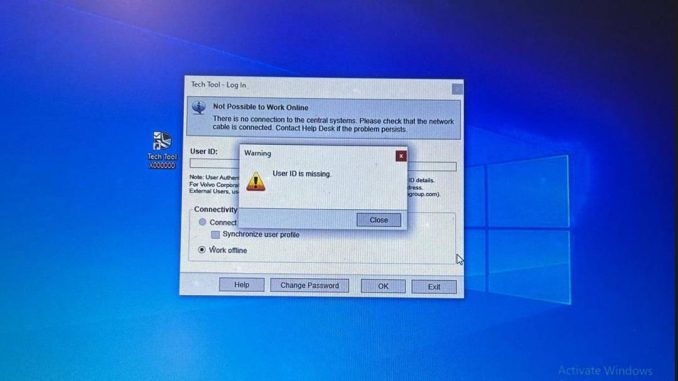
Volvo PTT Error: “User ID Is Missing”
During troubleshooting, the customer also reported another problem:
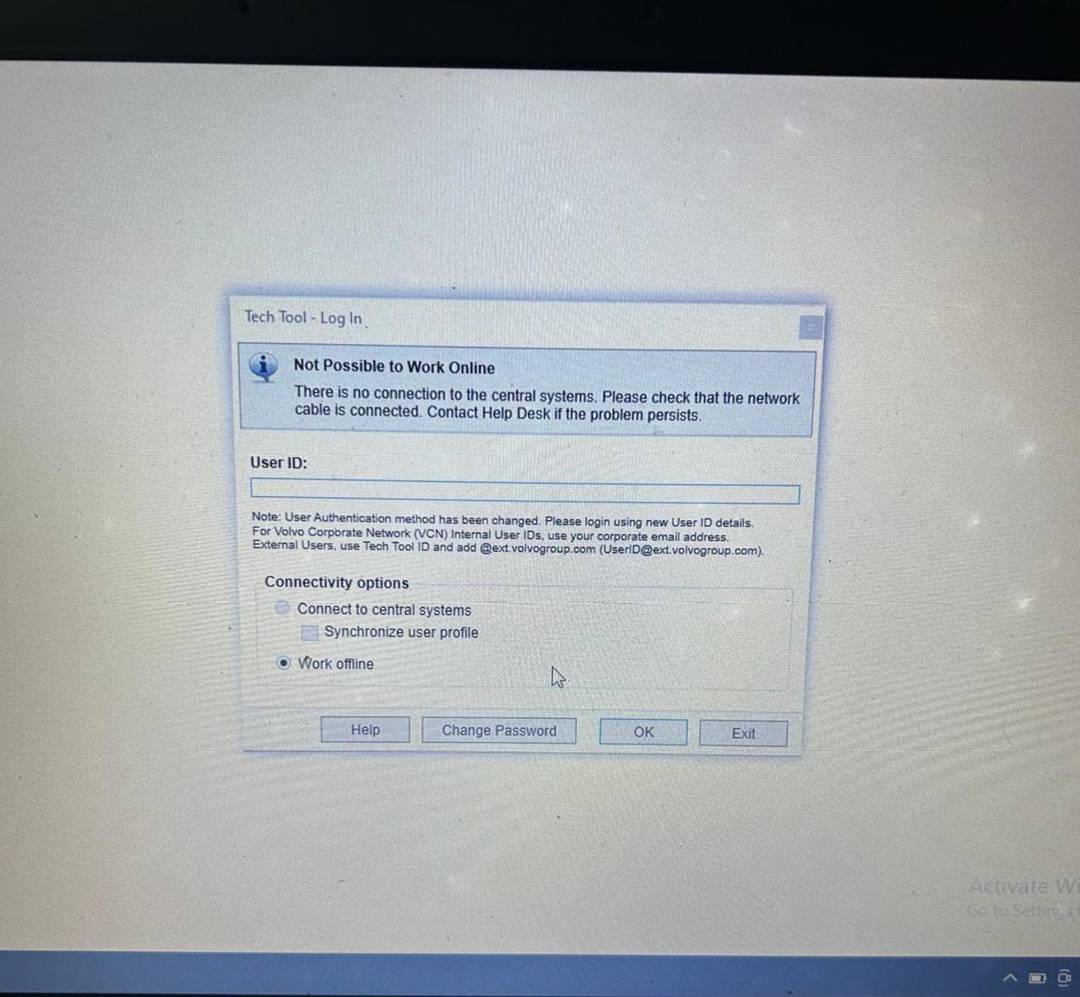
Customer: “What user ID do I have? It’s not working. It says that the user ID is missing.”
OBDII Shop Solution:
Our engineer helped the customer locate the User ID information displayed on the supplied software setup icon.
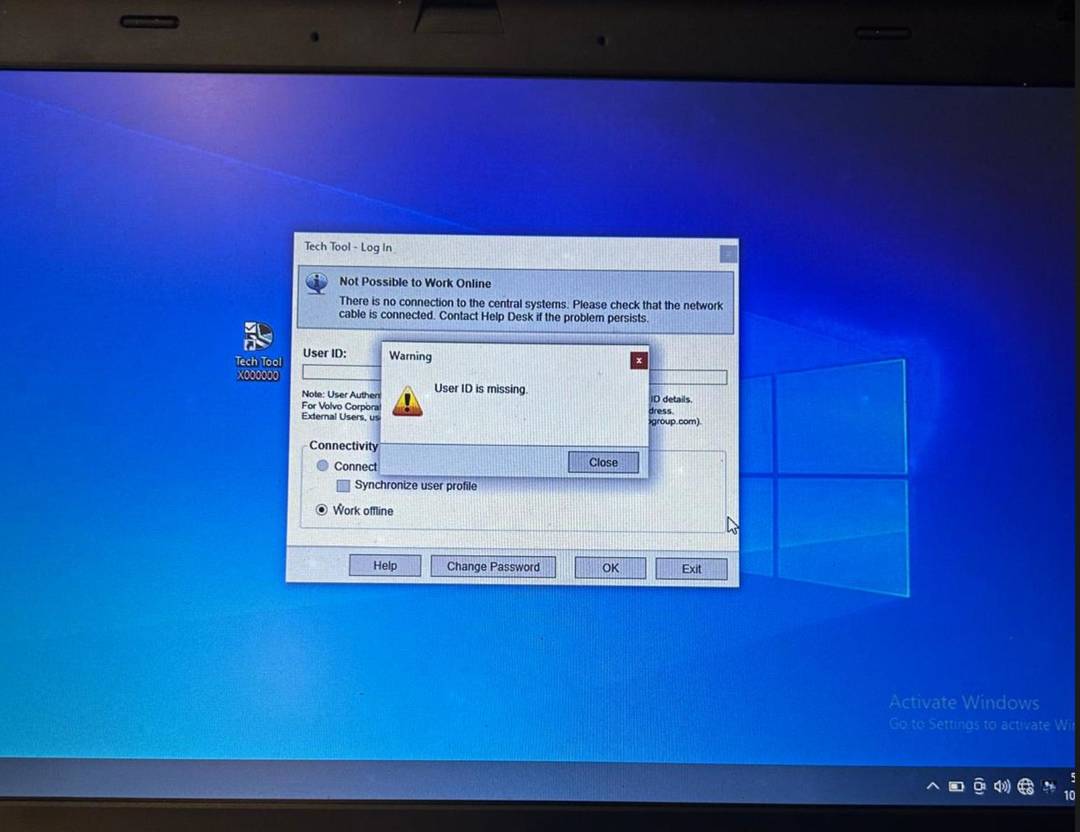
ALT: Volvo PTT User ID information shown on the software setup icon
If you encounter a similar error, verify the account information supplied with your software installation.
Note: A missing User ID or login error is not necessarily the cause of a truck communication failure. Official PTT accounts require valid user credentials and authorization.
Buy Volvo VOCOM 88890300 Diagnostic Tool from OBDII Shop
Looking for a reliable Volvo truck diagnostic solution?
OBDII Shop offers Volvo VOCOM 88890300 diagnostic interfaces with Premium Tech Tool software and optional pre-installed laptop packages.
Recommended Products:
- Volvo VOCOM 88890300 with PTT Software and Lenovo T420 Laptop
- Volvo VOCOM 88890300 Diagnostic Interface with PTT Software Options
Available configurations include PTT 2.8.241 and PTT 2.8.380. Check the product pages for software versions, cables, and laptop options.
For installation assistance or Volvo VOCOM connection problems, contact our technical team.
Email: sales@obdii.shop
Website: www.obdii.shop
Frequently Asked Questions
Why is my Volvo VOCOM 88890300 not connecting?
Possible causes include faulty cables, missing adapter drivers, incorrect PTT settings, power supply problems, or truck communication faults.
Does VOCOM 88890300 support the 2005 Volvo FM12?
Yes. The customer’s VOCOM system previously communicated with this truck. Confirm the correct cable and PTT software configuration for your vehicle.
Can OBDII Shop help with connection problems remotely?
Yes. OBDII Shop provides remote software troubleshooting assistance through TeamViewer. Vehicle wiring or hardware faults may require on-site inspection.
Need Volvo VOCOM technical support or a complete diagnostic kit?
Explore Volvo VOCOM 88890300 Diagnostic Tools at OBDII Shop.
Leave a Reply