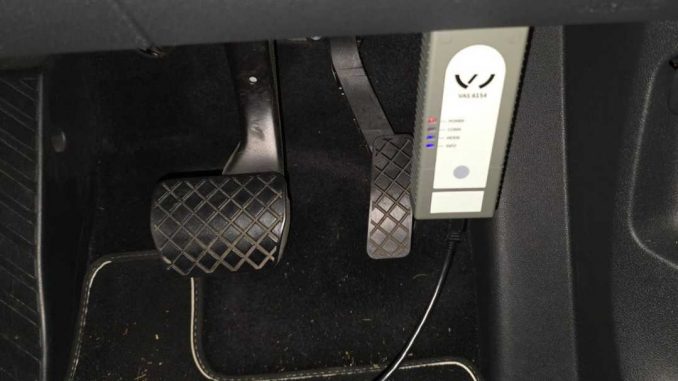
If you’ve recently purchased the VAS 6154 VAG Diagnostic Tool and installed the ODIS software, you might see a message saying your license is expired or that you need to update the VCI. Here’s a step-by-step guide to help you understand what’s going on and how to fix it.
Customer Experience
A customer reached out after receiving their laptop pre-installed with the VAS 6154 diagnostic tool:
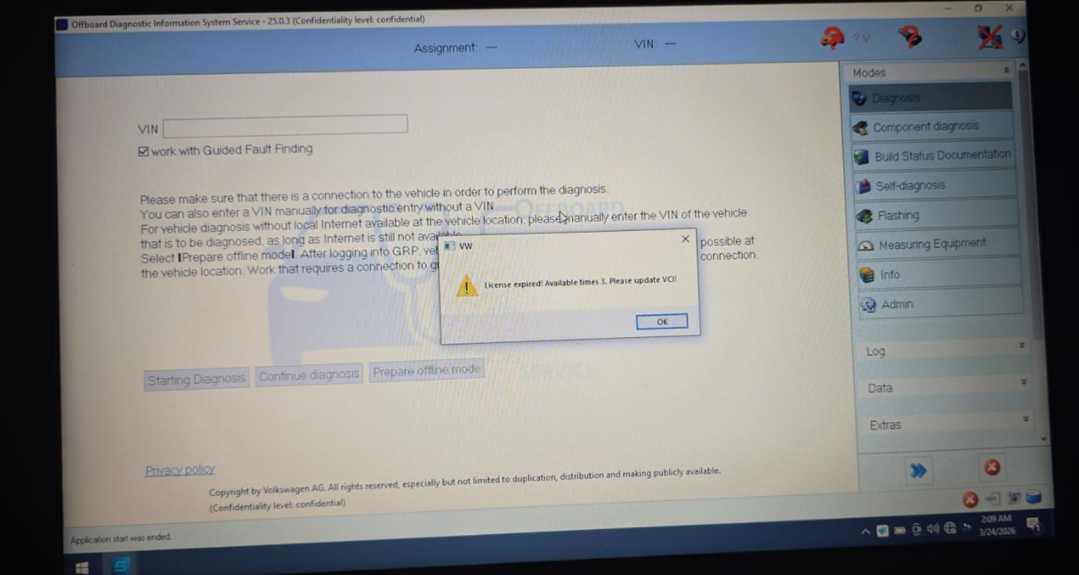
“Hi, I received the laptop with VAS 6154 VAG Diagnostic Tool and software installed. ODIS is currently working fine. Just wanted to confirm — does the license need to be matched or activated for this hardware, or is it already OK as it is? I got a message saying I need to update the VCI.”
Common Issue
This is a common question for users who are new to VAS 6154. The main reason for this message is that the VCI (Vehicle Communication Interface) firmware is outdated. The latest versions of ODIS software require an updated VCI to communicate properly with your vehicle.
Technical Support Solution
Our support team at ObdiiShop recommends the following:
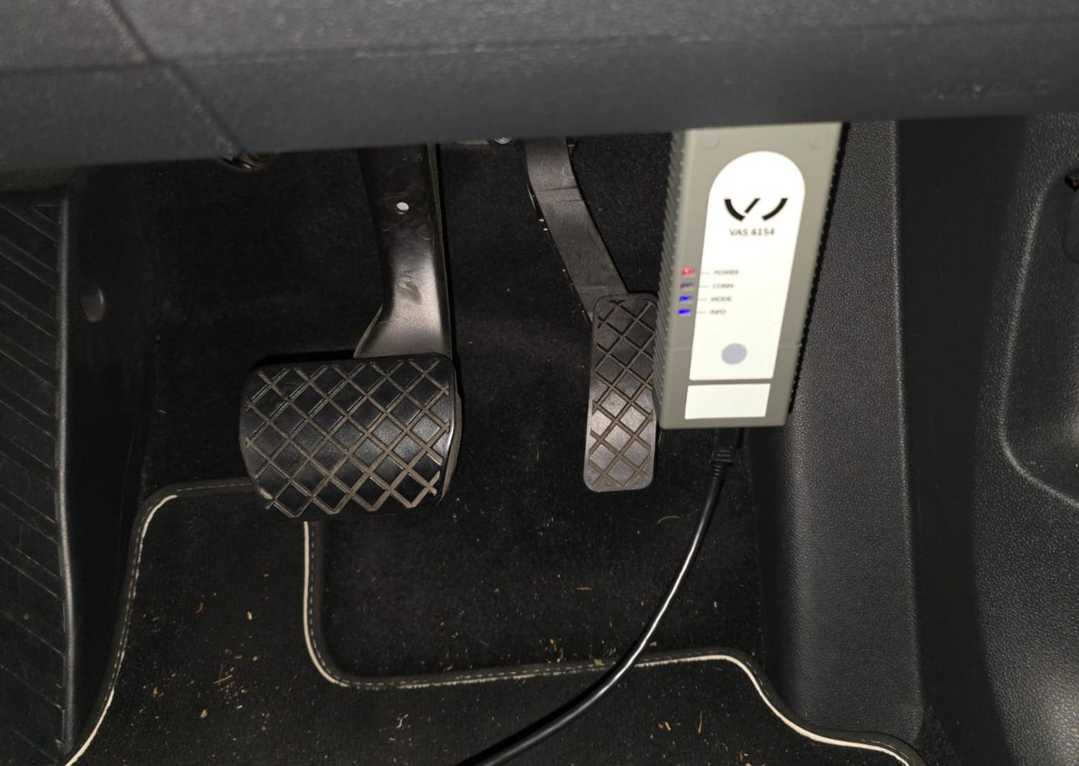
- Connect your VAS 6154 VCI to both your vehicle and laptop properly.
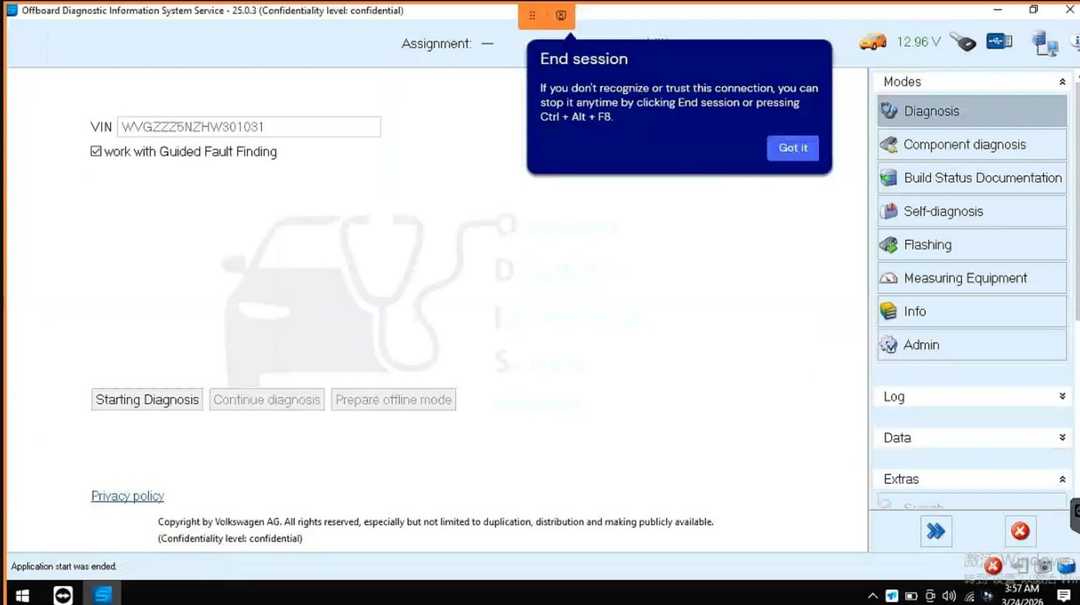
- Update the VCI firmware using the ODIS software. The software will guide you through the update process.
- If you are unsure how to update the VCI, our team can provide remote support via TeamViewer.
“If your product was purchased from Obdii.Shop, we offer free lifetime technical support. You can contact our sales team directly at sales@obdii.shop for assistance.”
Key Takeaways
- ODIS licenses usually do not require manual activation for hardware purchased with pre-installed software.
- The “license expired” message often indicates a VCI update is needed, not a software license issue.
- Connecting the VCI and updating it ensures full compatibility with the latest ODIS software.
- Professional remote support is available if you are not confident performing the update yourself.
FAQ – VAS 6154 VAG Diagnostic Tool & ODIS
Q1: Do I need to activate the ODIS license for my VAS 6154 tool?
A1: No, the ODIS license is usually pre-activated with pre-installed software. If you see a “license expired” message, it typically means the VCI firmware needs updating, not that the license itself has expired.
Q2: Why am I seeing a “VCI update required” message?
A2: This message appears because the Vehicle Communication Interface (VCI) firmware is outdated. Updating the VCI ensures full compatibility with the latest ODIS software.
Q3: How do I update the VCI firmware?
A3: Connect the VAS 6154 VCI to your vehicle and laptop, then update the firmware through the ODIS software. If needed, remote technical support via TeamViewer is available to guide you through the update.
Q4: Does ObdiiShop provide support for VCI updates?
A4: Yes, ObdiiShop offers free lifetime technical support for p
Leave a Reply