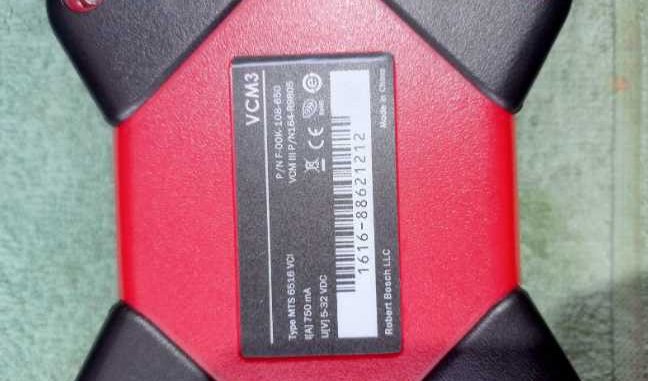
We had purchased the Ford VMC II (Item No. OA292-10) and received it today. Unfortunately, the VM (IDS) that came on the DVD has a driver issue. It does not recognize the VCM device.
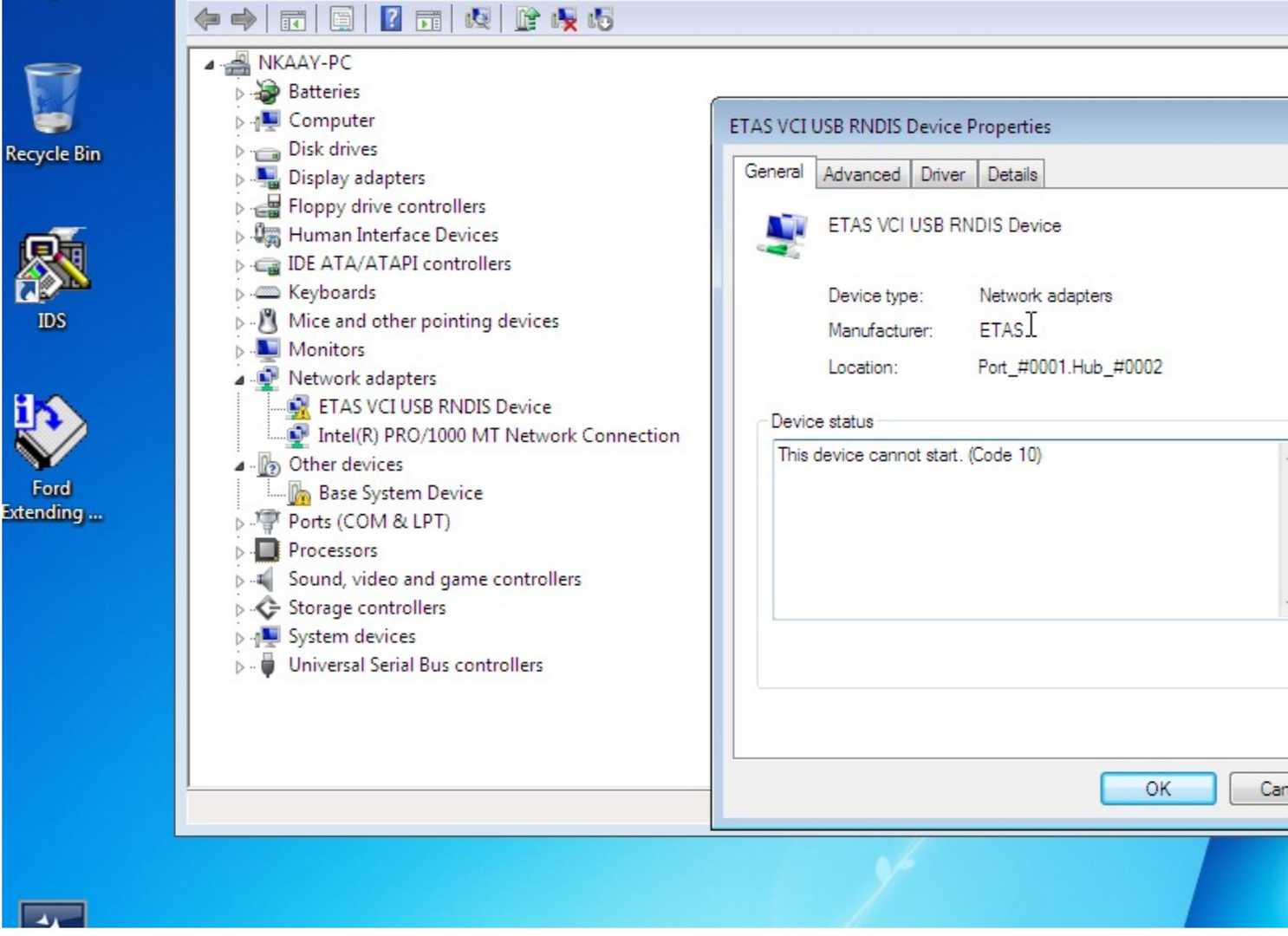
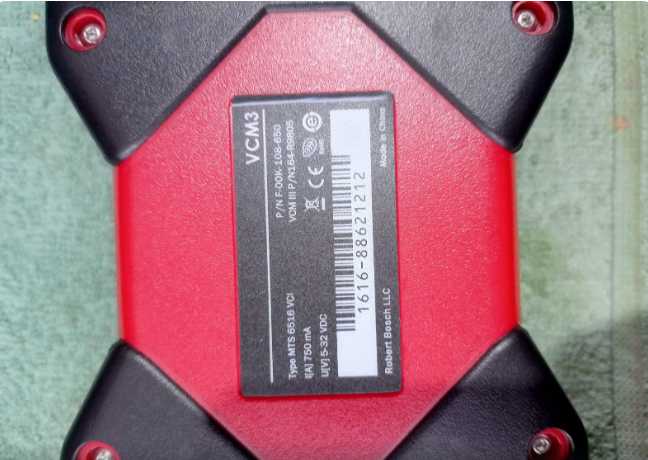
I tested with the VMware Player and with newer versions of VMWare….. the issue with within the VM. The driver for the VCM is not working.
Tested with VMware Player 6, VMware Workstation 17, and. VMware Workstation 25H2. I noticed the driver is pointing to the Documents folder on the VM, but that folder is empty.
I have two USB ports on my laptop and 6 on the desktop. All of them have the same issue. I tested the USB port configuration in VMware with USB 2.0, 3.0, and 3.1….. All have the same driver issue.
Other USB devices within our VM’s work perfectly (CDA6, WiTech). It’s something with the IDS VM
The driver is installed within the VM already.
The problem may be that the driver files are not in the location the OS is looking at. C:\Users\NKAAY\Documents. That folder is empty. I got the driver package from OBDII.SHOP sales (sales@obdii.shop).
So I tested it on a 2014 Ford Focus. Local machine, drivers do not recognize the VCM. Within your VM (running with VMWare Player 6), the drivers are not working. IDS does not recognize the VCM device. I verified that VCM2/3 do NOT require being connected to the vehicle to work. So what can you do to fix this issue?
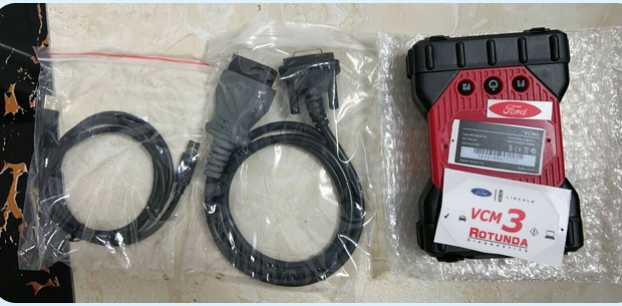
I fixed the problem based the obdii.shop engineer’s recommendation . The software is out of date and the firmware needed to be updated on the VCM.It’s working with VCI Manager (1.0.14.0) and IDS 132.01. Great service that my Ford VCM II Ford VCM2 Diagnostic Tool working well now
FAQ: Ford VCM II / VCM2 Not Recognized by IDS (VMware)
Q1: Why doesn’t IDS recognize my Ford VCM II / VCM2 in the VMware IDS virtual machine?
A: This usually happens because the IDS virtual machine is outdated or the VCM II firmware is too old. Even when the driver appears installed, IDS may not detect the device until the firmware is updated and IDS is on a compatible version.
Q2: I tried different VMware versions and USB 2.0/3.0 settings, but it still won’t connect. What now?
A: If other USB devices work inside your VM, the issue is likely specific to the IDS VM image or VCM driver/firmware mismatch—not your USB ports or VMware. Update the VCM firmware using VCI Manager and use an updated IDS build.
Q3: Does the Ford VCM2 need to be plugged into the car to be detected?
A: No. VCM2/VCM3 can be detected by the PC/VM over USB without being connected to a vehicle. If IDS can’t see it, the cause is typically driver/firmware/version mismatch.
Q4: How was the issue fixed in this buyer feedback case?
A: The engineer confirmed the software was out of date and the VCM firmware needed an update. After updating the firmware, the tool worked properly.
Q5: Which versions were confirmed working?
A: After the fix, the device worked with VCI Manager 1.0.14.0 and IDS 132.01.
Q6: What if it still doesn’t work after updating?
A: Confirm the VM is capturing the VCM device, try a different USB cable/port, and verify version compatibility. If you purchased from a seller, contact their support and share screenshots so they can provide the correct driver package or updated VM.
Leave a Reply