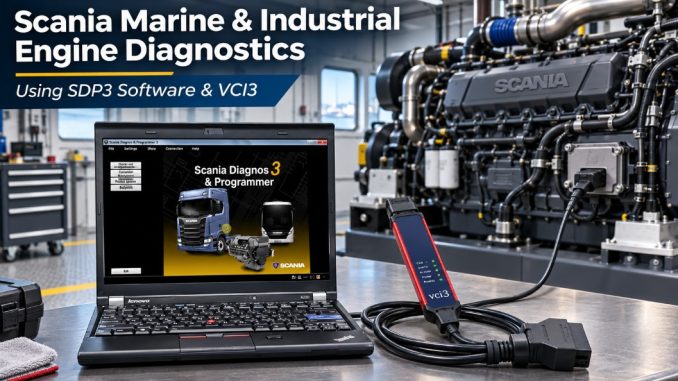
A high NOx warning or an SCR fault on a Scania marine or industrial engine takes more than a basic code reader to diagnose. Scania Diagnos & Programmer 3 (SDP3) is the manufacturer-specific diagnostic and programming application for supported Scania vehicles and industrial and marine engines. It connects through a compatible Vehicle Communication Interface (VCI).
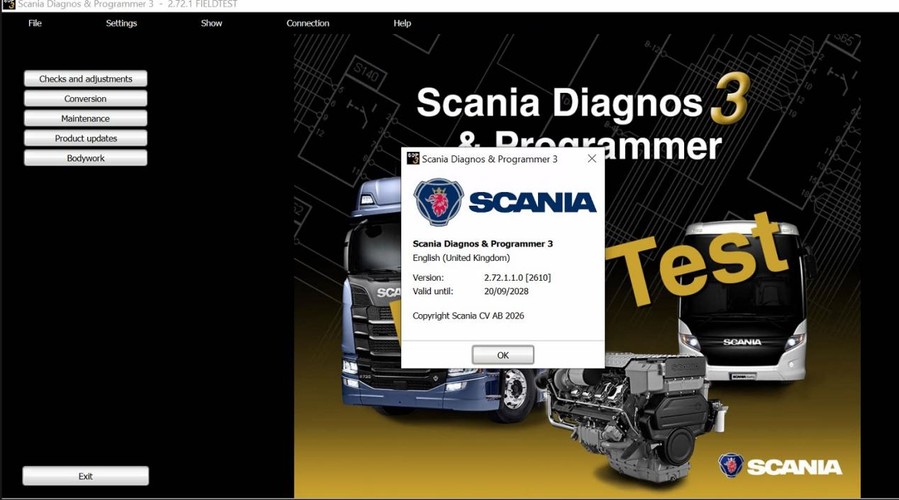
The latest SDP3 version we list is V2.72.1 [2026.09], in the Scania SDP3 V2.72.1 package for trucks and heavy vehicles. Marine and industrial engines have their own listing, the SDP3 Marine & Industrial package, V2.70.1 [2026.05]. This guide covers how to use SDP3 for marine and industrial diagnostics, and how to choose the right package.
Quick Answer
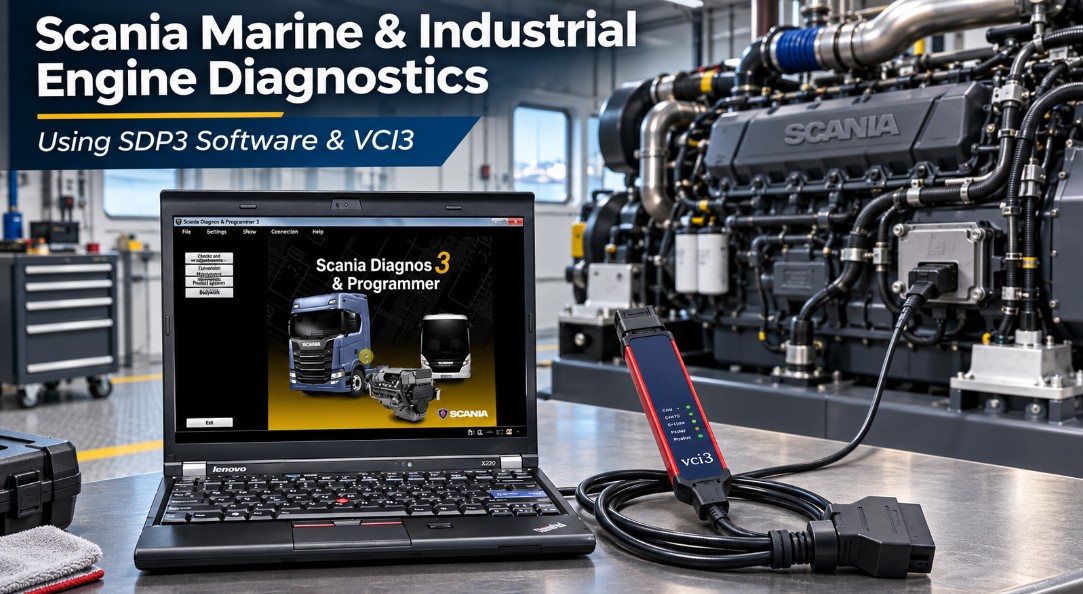
SDP3 supports diagnostics and electrical-system troubleshooting on compatible Scania industrial and marine engines. The Marine & Industrial package adds:
- High NOx analysis for EMS S8 and EMS EME1. A wizard under Exhaust Gas Aftertreatment, Analysis of Saved Vehicle Information in the Event of High Nitrogen Oxide Emissions, is active for industrial and marine engines.
- Two AMS2 wizards. Troubleshooting Using a Manometer and Performance Testing of the Fluid Part of the SCR System apply to AMS2-equipped applications and work with a troubleshooting tree in Multi (WSM 03-95).
- EMS10 wastegate and exhaust brake change. Valve block V107 now uses an output pressure request, which protects the wastegate and hoses from pressure above the 4.5 bar maximum. The exhaust brake can still be loaded at the full 8 bar system pressure.
Exact functions depend on the engine control system, software version, supplier software version and available permissions.
What SDP3 Does on Marine and Industrial Engines
Unlike a generic OBD2 scanner, SDP3 gives access to manufacturer-specific system information over CAN. Depending on the engine, it can:
- Read and clear supported fault codes
- Identify electronic control units
- View engine operating information and monitor available signals
- Troubleshoot electrical and communication problems
- Adjust supported customer parameters and perform specified calibrations
- Carry out control-unit software procedures when the required authorization is available
Not every Scania engine uses the same control-unit generation, so identify the engine number, application and ECU configuration before choosing a procedure.
Know Your Control System First
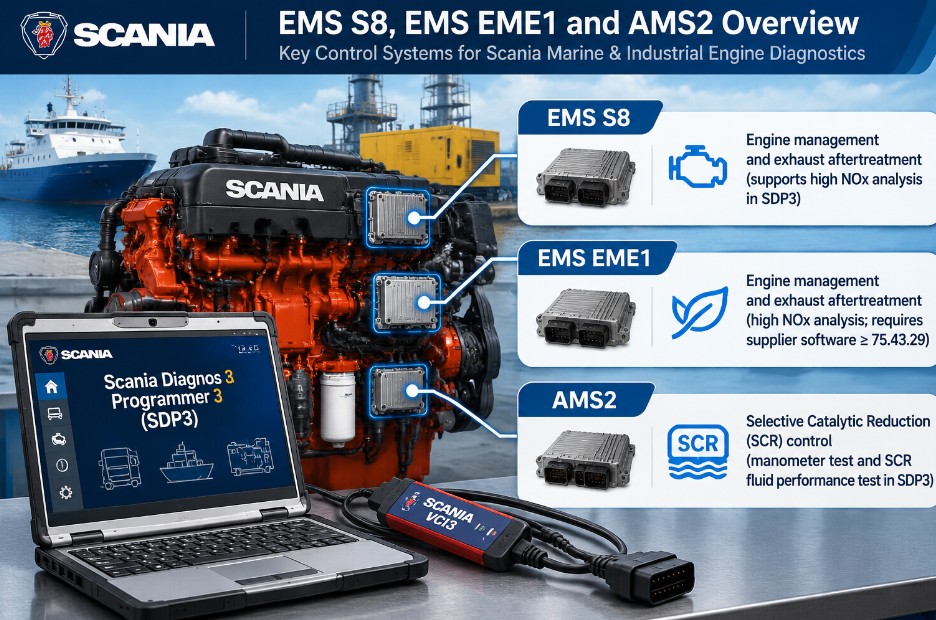
EMS is the engine management system. AMS2 is the control system associated with SCR aftertreatment. They are not interchangeable, and not every engine supports every wizard.
| Control system | Focus | Relevant SDP3 function |
|---|---|---|
| EMS S8 | Engine management and aftertreatment | High NOx saved-information analysis |
| EMS EME1 | Engine management and aftertreatment | High NOx saved-information analysis |
| AMS2 | SCR aftertreatment control | Manometer test and SCR fluid performance test |
Investigating High NOx on EMS S8 and EME1
A high NOx result doesn’t prove the NOx sensor, SCR pump or dosing unit has failed.
- Identify the system. Connect SDP3 and confirm whether the engine uses EMS S8 or EME1. Record the engine and control-unit information.
- Read and record all fault codes. Note active and inactive codes, primary and secondary faults, descriptions, background information and operating conditions. A secondary fault may exist because another control unit detected the original problem, so investigate the primary fault first.
- Open the wizard. Go to Exhaust Gas Aftertreatment → Analysis of Saved Vehicle Information in the Event of High Nitrogen Oxide Emissions and follow the on-screen instructions.
- Interpret the saved signals carefully. Not every signal is available on every engine. Background values don’t always carry the same timestamp as the fault code, because the ECU can record data when it first detects a possible problem and set the code after further checks. Read the signals together with the fault description and operating conditions.
- Finish with physical checks. Inspect connectors, wiring, sensors, aftertreatment components, SCR fluid connections and control-unit power and communication circuits. Follow the Scania workshop procedure before replacing parts.
EME1 requirement: For the ECU to display saved signals in installations without an external clock signal, the supplier’s software version must be 75.43.29 or later. You can find it under the Description tab. It is not the same as the SDP3 application version. If saved signals are missing, check both the supplier version and the clock-signal setup before suspecting the ECU.
AMS2 SCR Troubleshooting
- Confirm the engine has AMS2. The wizards don’t apply to other control-system generations.
- Inspect the SCR fluid system. Check lines, connections, leaks, connectors and harnesses first. Don’t replace the pump or dosing parts just because an SCR fault code is present. Work out whether the fault is about pressure, fluid delivery or electrical control.
- Run the manometer wizard. Use the specified pressure equipment and test connection, record the readings and compare them with the limits in the applicable Scania workshop information. There is no universal pressure value, so don’t borrow one from another engine model.
- Run the fluid-section performance test. It evaluates how the SCR fluid section actually performs, rather than relying on a stored code alone.
- Act on the result.
| Result | Next step |
|---|---|
| Manometer test passes | Continue with the specified SCR performance checks |
| Pressure test fails | Investigate the fluid circuit per the workshop procedure |
| Performance test fails | Follow the AMS2 troubleshooting tree in Multi |
| Electrical fault appears | Check power supply, wiring and connectors |
| No communication with AMS2 | Verify VCI communication and control-unit power |
Connecting SDP3 to the Engine
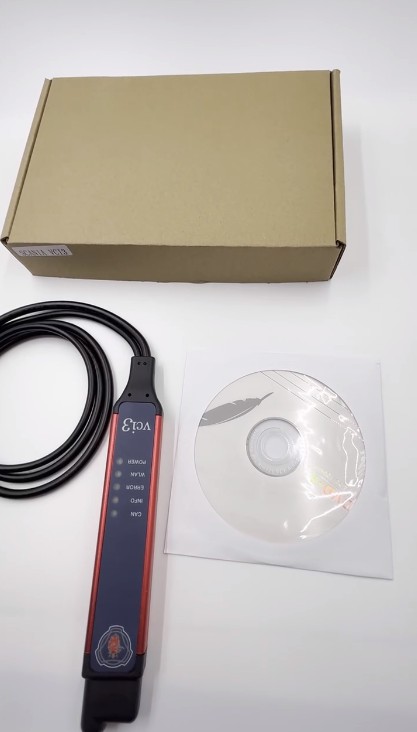
You need a Windows laptop, SDP3, a compatible VCI, the correct diagnostic cable, a stable power supply and access to the engine’s diagnostic connector. Our listings describe the software as working with the Scania VCI 3.
- Make sure the vessel or machine is stationary.
- Inspect the diagnostic connector and cable.
- Connect the VCI to the engine diagnostic port and to the laptop.
- Start SDP3 and confirm the interface is detected.
- Let the software identify the engine and control units.
- Open the electrical system view and read the fault codes.
If SDP3 can’t identify the engine, check the VCI, cable, connector, engine power supply and communication wiring before trying anything advanced. A generic OBD2 adapter isn’t automatically compatible.
Common Mistakes
- Replacing the NOx sensor straight away. Review the saved information and the whole aftertreatment system first.
- Mixing up version numbers. The SDP3 version and the EME1 supplier software version are separate.
- Using AMS2 wizards on the wrong system. Verify the control system first.
- Clearing codes before saving them. Record fault information first, or you lose evidence.
- Choosing a package by version number alone. V2.72.1 is the newest SDP3 version we list, but it is the truck package. Marine and industrial engines have a separate listing.
Confirming the Repair
Don’t treat the repair as done when the warning light goes out. Re-read the engine and aftertreatment codes, confirm the original fault is no longer active, repeat the relevant EMS or AMS2 test, check the engine and SCR signals and monitor the fault under the operating conditions SDP3 specifies. Some faults need a validation period before the ECU confirms the repair. Save the final diagnostic information.
SDP3 V2.72.1 vs Marine & Industrial: Which Package?
| Truck and heavy vehicle | Marine & Industrial | |
|---|---|---|
| Listed version | V2.72.1 [2026.09] | V2.70.1 [2026.05] |
| Application | Scania R, P, G, T, K, N series trucks and other heavy vehicles built since 2004 | Supported industrial and marine engines |
| Operating system | Windows 10 or 11, 64-bit | Windows 10 or 11, 64-bit |
| Interface | Scania VCI 3 | Compatible VCI (listed with VCI 3) |
| Installed size | About 10GB | About 4GB |
| Extras | Optional Xcom 2.54 and Multi 06.2026 | None listed |
| Product page | ORD181 | ORD181-1 |
The V2.72.1 truck listing states that buyers who want to use SDP3 on industrial and marine engines should buy the Marine & Industrial package instead.
The V2.72.1 package comes in four configurations: SDP3 alone, SDP3 plus Scania Multi Spare Parts and Manuals 06.2026 (about 120GB), SDP3 plus Scania Xcom 2.54 (reprogramming software), or all three. Both packages include one-time remote installation and activation by TeamViewer on one laptop.
If you service both trucks and marine engines, ask us whether you need both packages.
Before ordering, send us:
- Engine model and number
- Truck, marine or industrial application
- Engine management system (EMS S8, EME1 or other)
- Whether the engine has AMS2, if you need SCR testing
- EME1 supplier software version, if applicable
- Laptop operating system
- Your VCI model
- The diagnostic or programming functions you need
A note on authorization: Scania’s official online ECU software updates need a Scania account, certificate, update number and access permissions. The remote installation service described on our product pages doesn’t provide those separate official permissions. If your work needs official online updates, confirm the authorization requirements before ordering.
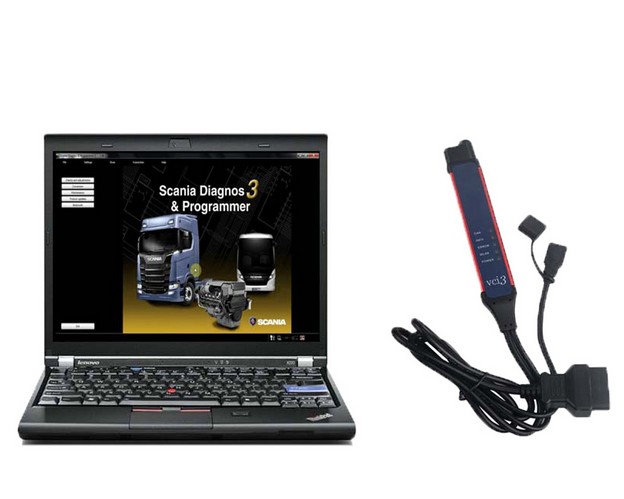
No laptop and no VCI? The VCI 3 and Lenovo X230 kit comes with the software preinstalled. For marine and industrial engines, ask us before ordering so we can confirm the right software combination.
FAQ
Can SDP3 diagnose marine engines?
Yes, on supported Scania industrial and marine engines over CAN. Available functions depend on the engine configuration and control units.
What’s the latest SDP3 version you list?
V2.72.1 [2026.09], for trucks and heavy vehicles. The Marine & Industrial package is listed at V2.70.1 [2026.05].
Is V2.72.1 suitable for marine and industrial engines?
Our V2.72.1 listing points marine and industrial users to the dedicated Marine & Industrial package.
What’s the difference between EMS S8 and EME1?
They are different engine management configurations. Both are covered by the high NOx wizard, but EME1 needs supplier software 75.43.29 or later to display saved signals in installations without an external clock signal.
Does SDP3 support AMS2 SCR testing?
Yes. The Marine & Industrial package adds the manometer and SCR fluid performance wizards for AMS2-equipped applications.
Do I need a VCI?
Yes. A compatible VCI is required to connect the laptop to the engine.
Can SDP3 clear every fault code?
It reads and clears applicable codes, but some engines have a second fault-code area with historical records that can’t be deleted.
Can I use it for ECU programming?
SDP3 includes control-unit software procedures. Official Scania online ECU updates require separate authorization, so diagnostic access and programming authorization are not the same thing.
Which Windows versions work?
Windows 10 and 11, 64-bit, for both packages.
Conclusion
SDP3’s EMS S8/EME1 saved-information analysis and the AMS2 manometer and fluid-performance wizards give you a structured path from fault code to root cause on marine and industrial engines. Identify the control system first, choose the package by application rather than version number, interpret the saved data before replacing parts, and verify every repair.
View the Scania SDP3 Marine & Industrial Software at OBDII.SHOP
Working on trucks instead? See the Scania SDP3 V2.72.1 [2026.09] package.
Leave a Reply