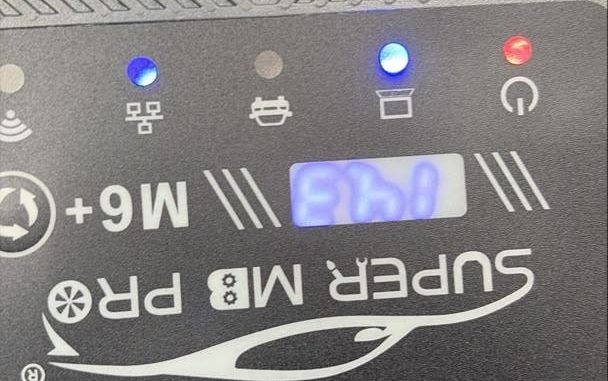
Potential issues encountered when using M6+ PRO tool
Problem:
M6+ PRO does not connect to the car, car model is GLE 350d 2017
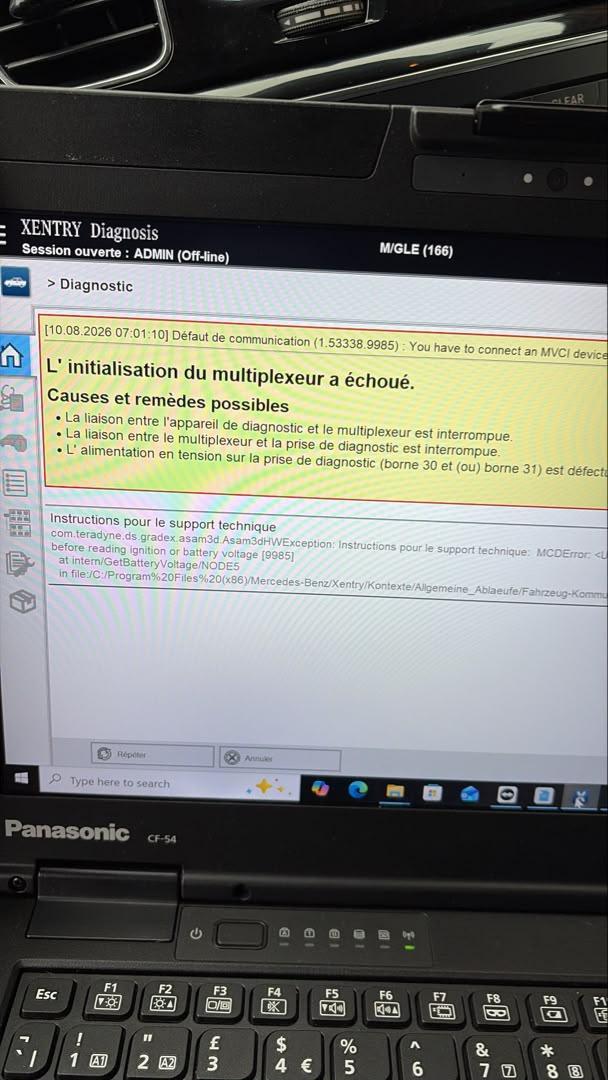
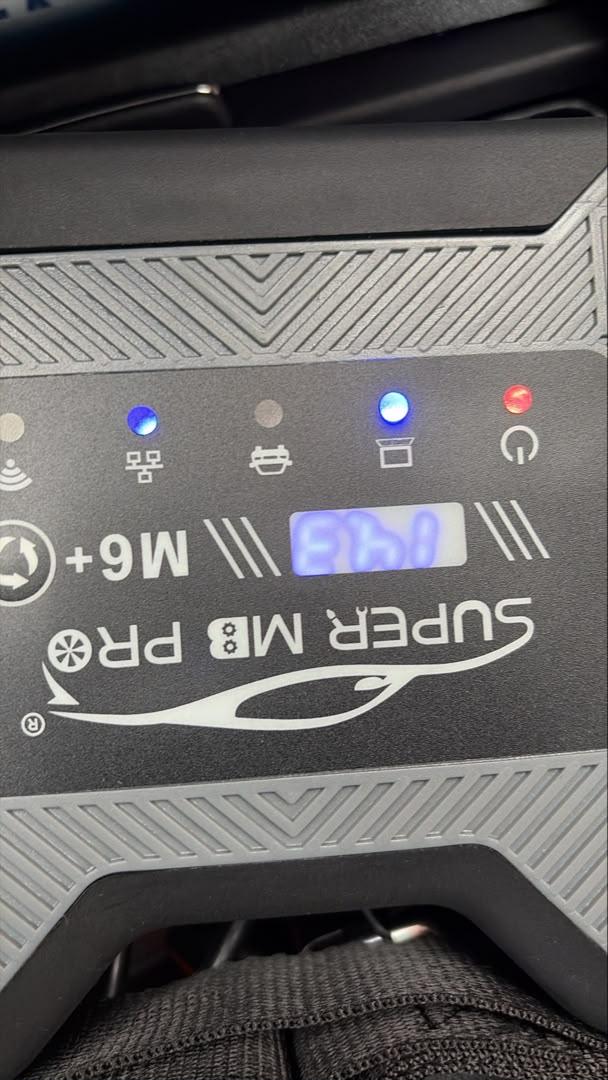
Reply:
Need to configure the IP address on your computer settings.
1.Connect the M6 tool to the computer using an Ethernet cable.
2.Find the connection prompt in the network management interface of your computer.
3.Change the network connection properties as follows: set the IP address to 169.254.255.*, Subnet mask to 255.255.0.0, Default gateway to 169.254.255.255, and Preferred DNS to 169.254.255.255.
4.Then, click “Advanced” and add the IP address 172.29.127.* with the subnet mask 255.255.0.0.
Feedback:
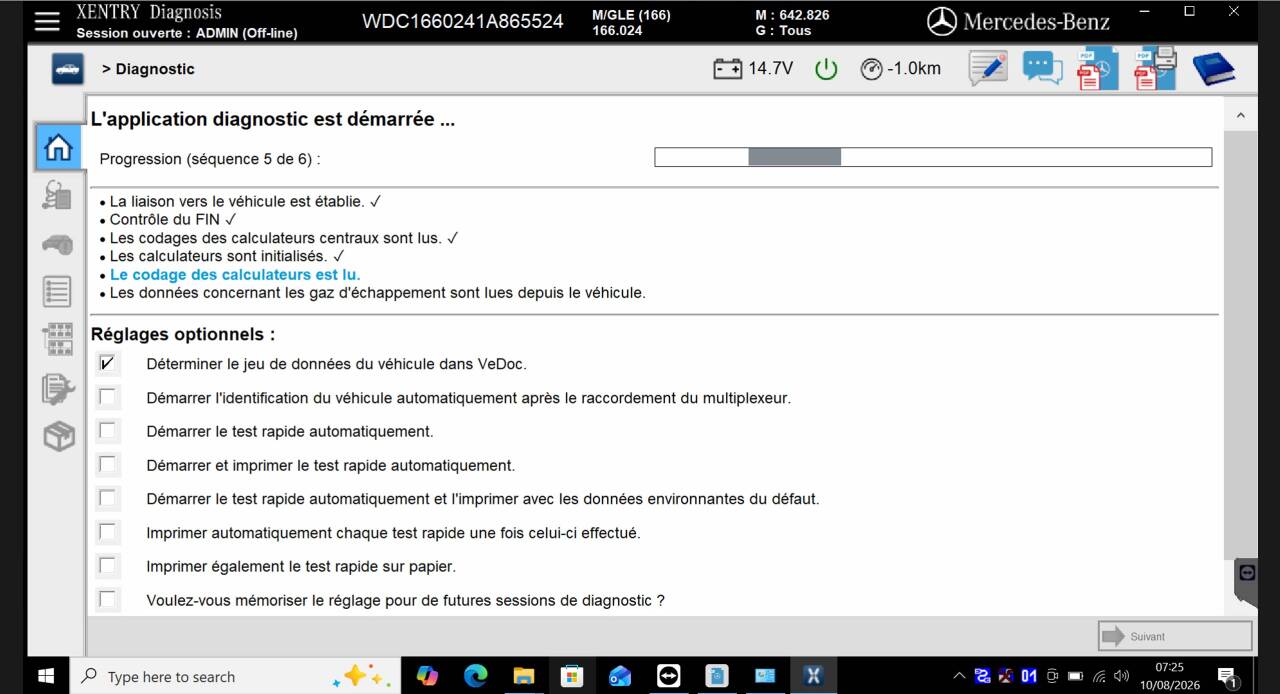
Ok it is fine
More request,welcome to contact us directly: sales@obdii.shop
Our Website link: https://www.obdii.shop/
Leave a Reply