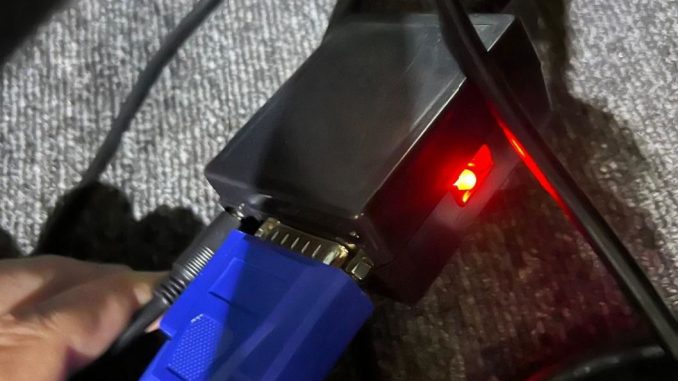
The Problem: Isuzu Diagnostic Tool Not Communicating A technician recently purchased the ISUZU Diagnostic Tool equipped with G-IDSS and E-IDSS software from OBDII.shop. While attempting to diagnose a local fleet truck, they experienced a connection failure.
Customer Diagnostic Report:
-
Hardware Status: The USB device shows green and orange LEDs (confirming power and USB connection). The OBD2 connector plugged into the truck displays a solid red LED.
-
Software Status: The G-IDSS software indicates the USB is connected (lightning bolt icon is visible).
-
The Symptom: The tool fails to communicate with the ECM. It cannot request or receive the truck’s VIN, returning a communication error. Unlike earlier software versions, the USB device LEDs do not flash when attempting to pull the VIN.
-
Testing Environment: The truck ignition and instruments are ON. A battery charger is connected to maintain stable voltage during testing, and the laptop is plugged in to prevent power drops.
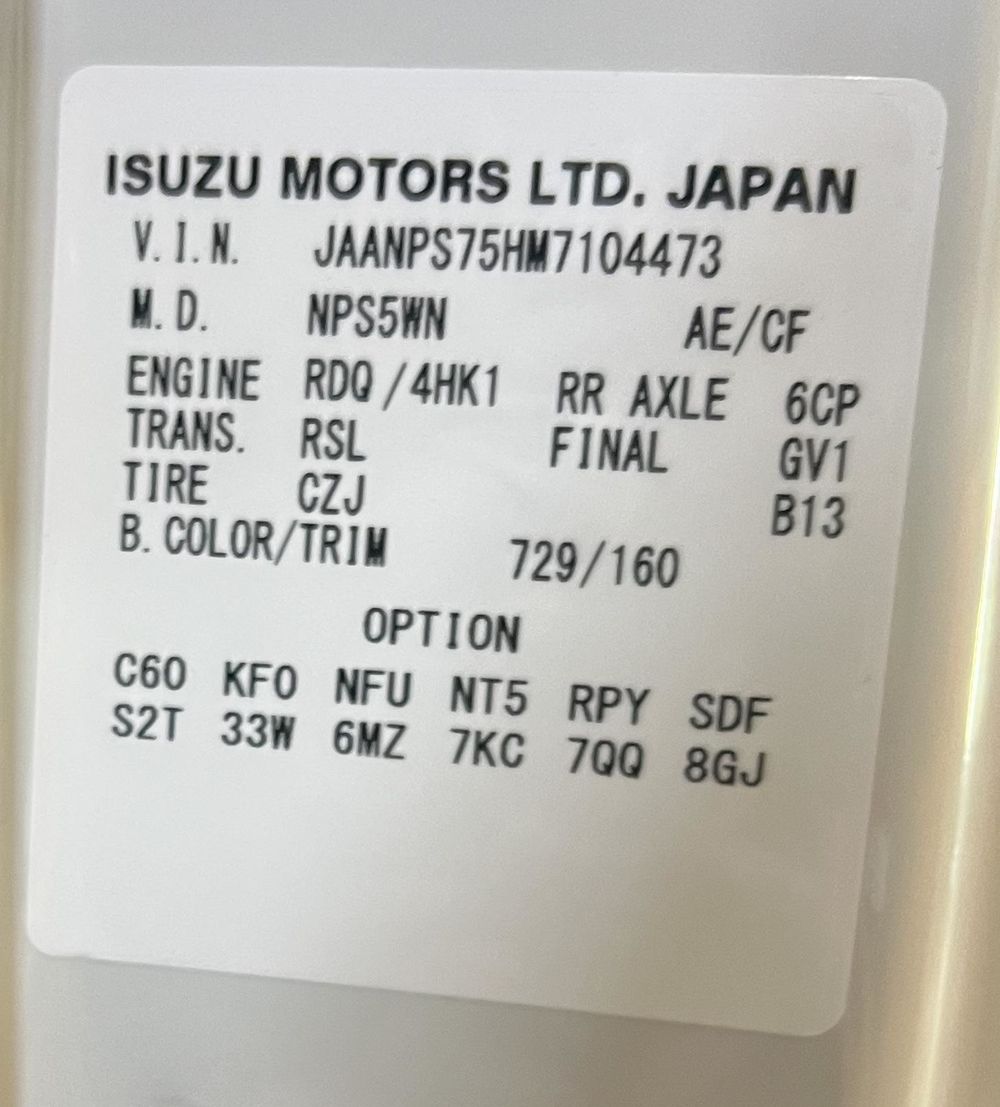
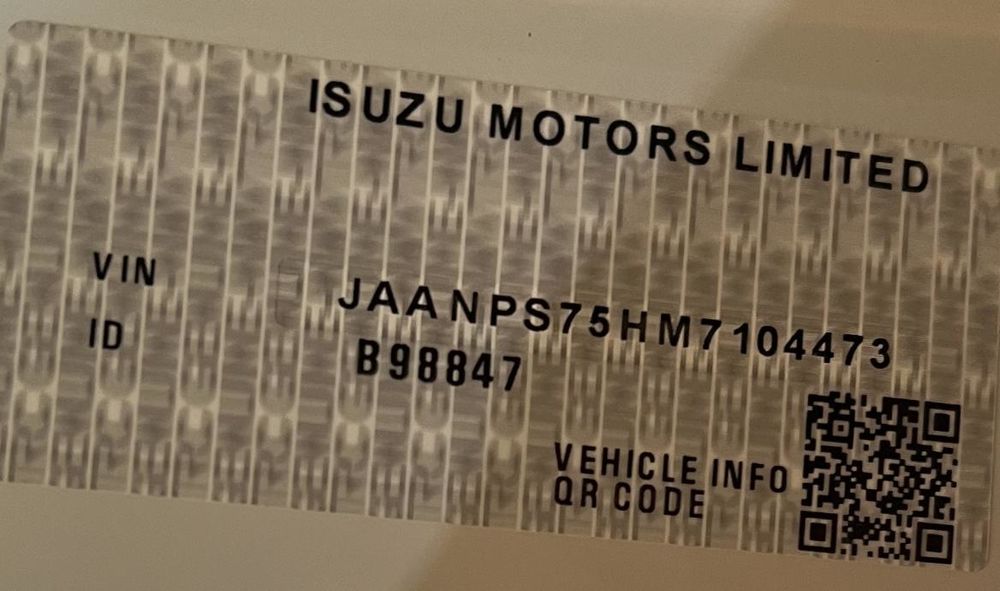
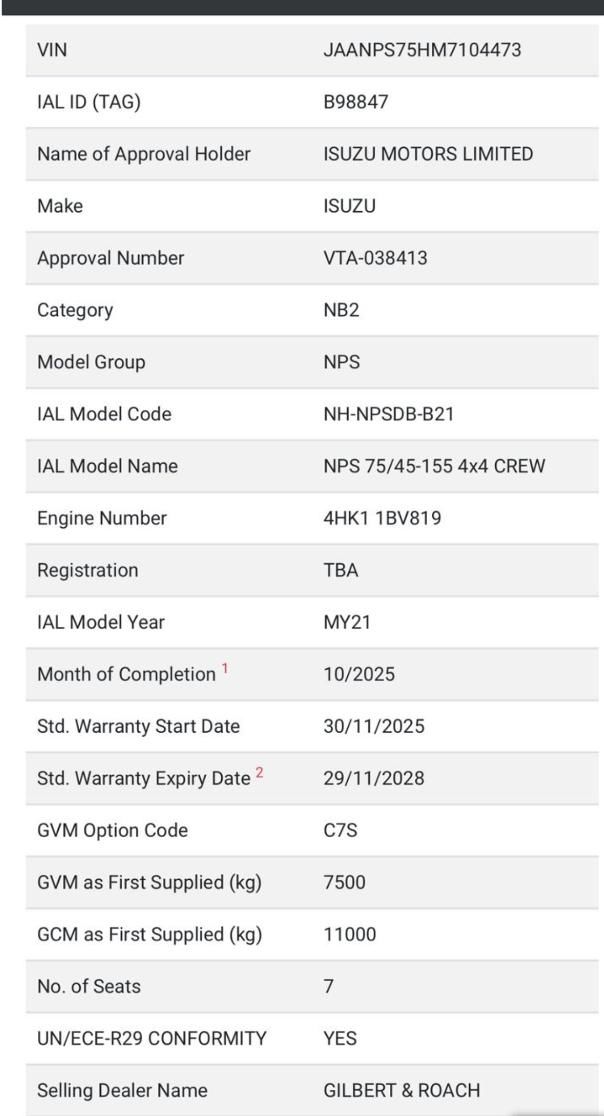
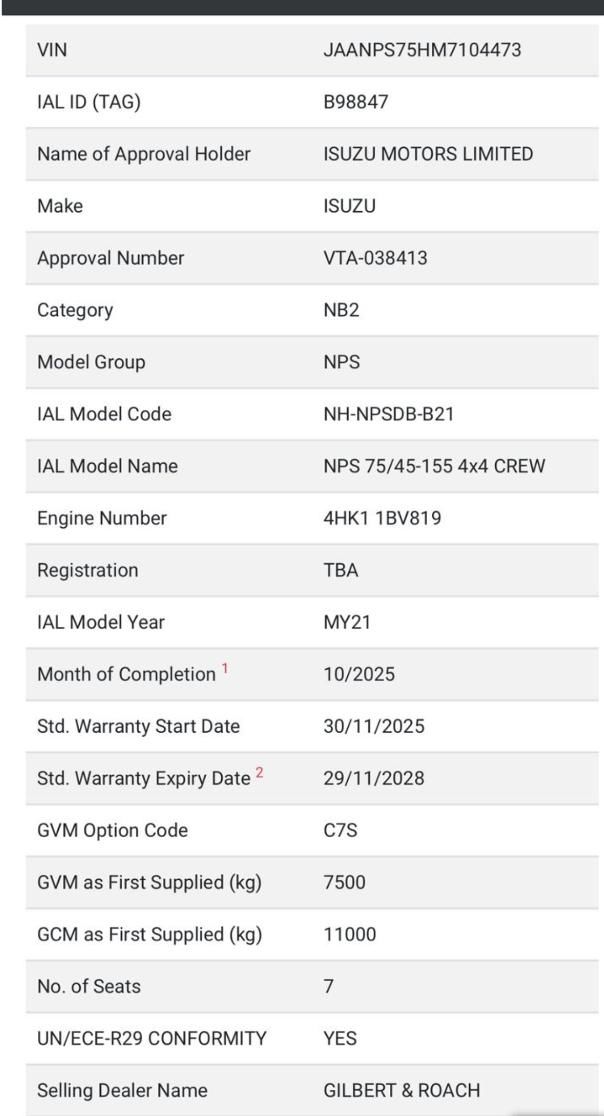
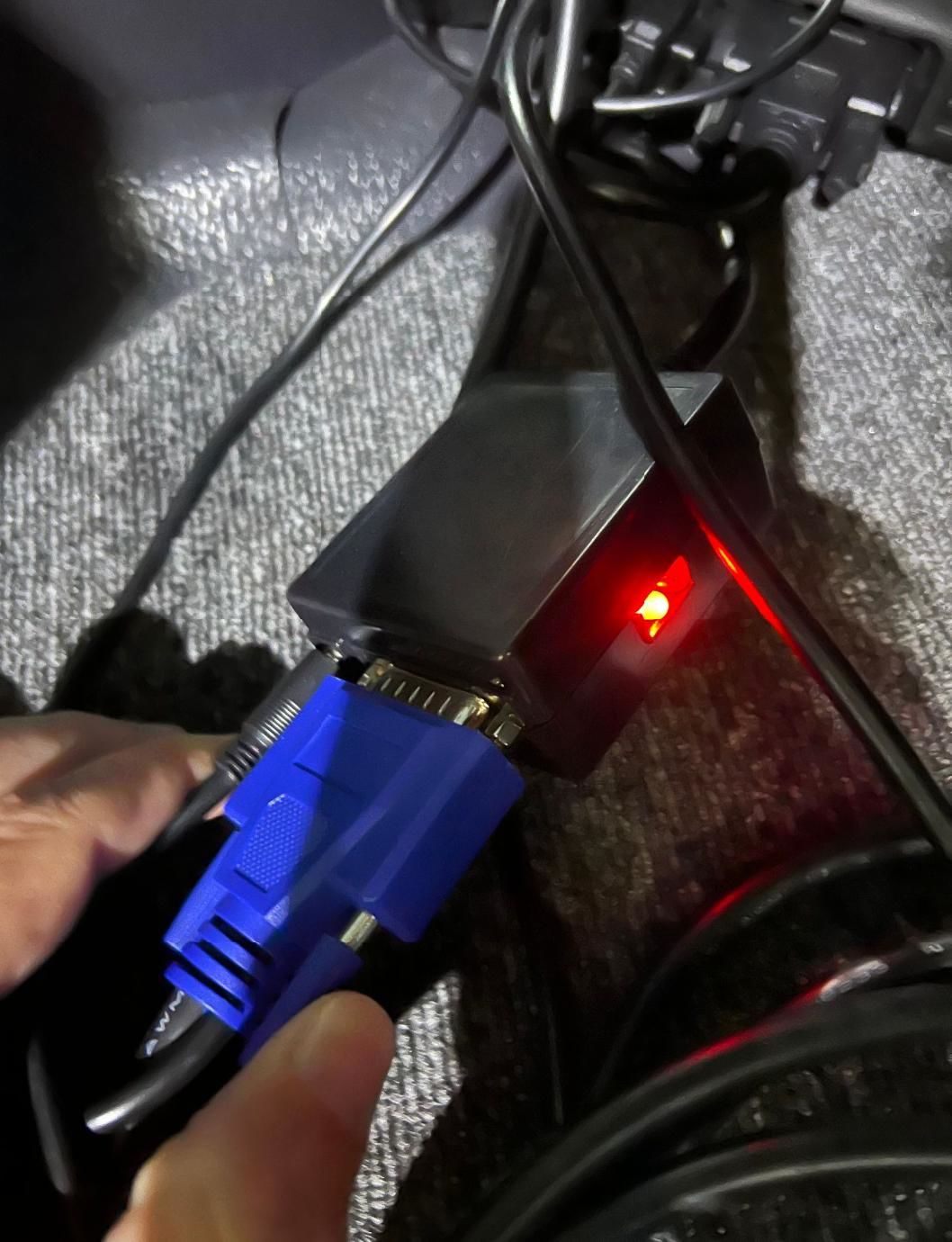
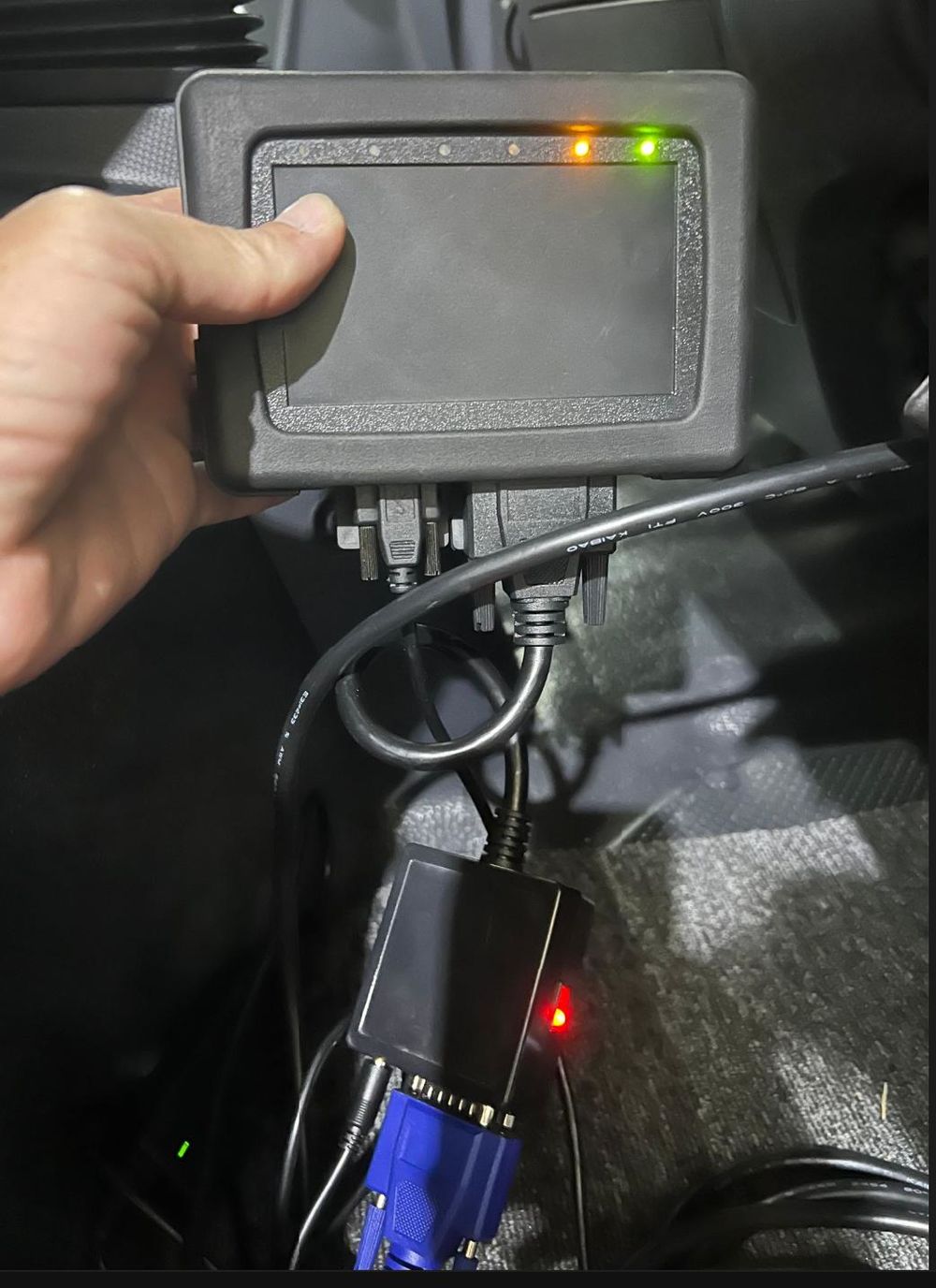
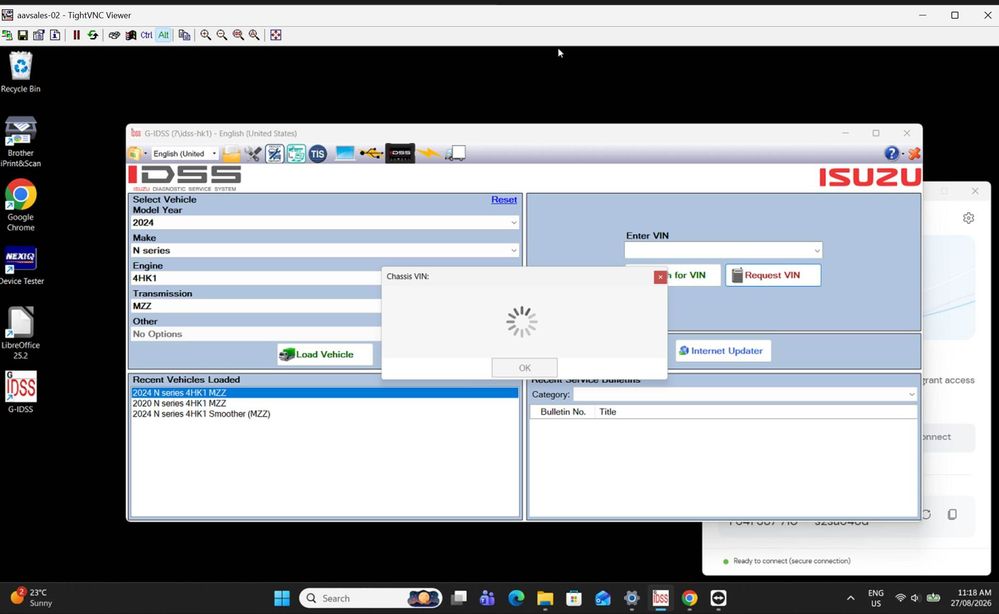
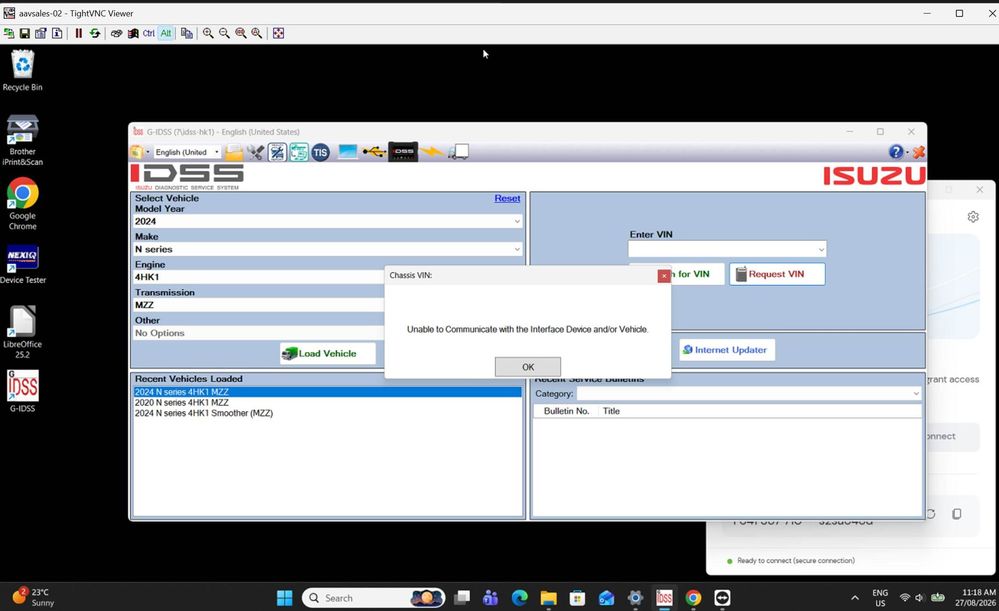
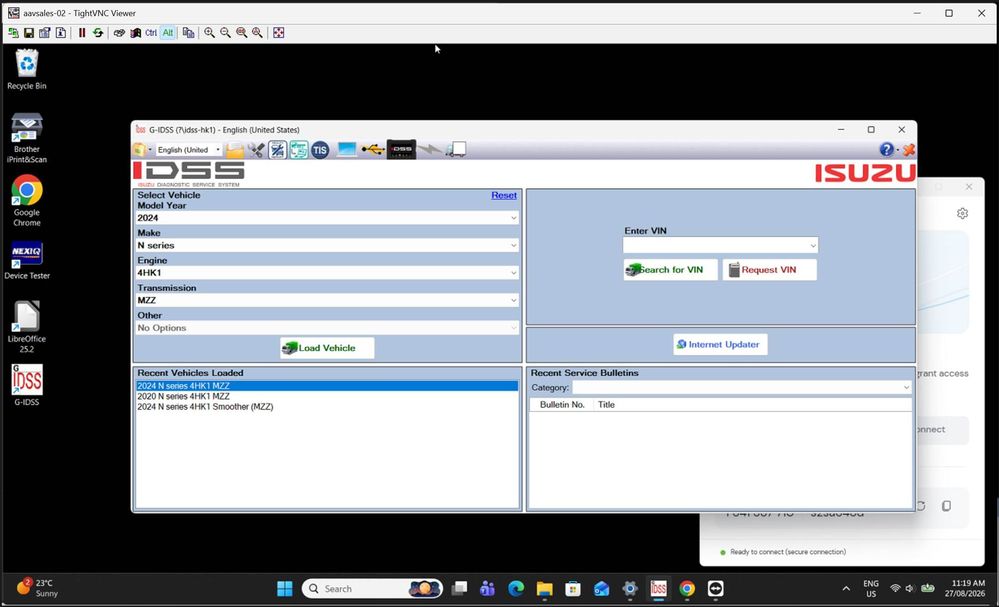
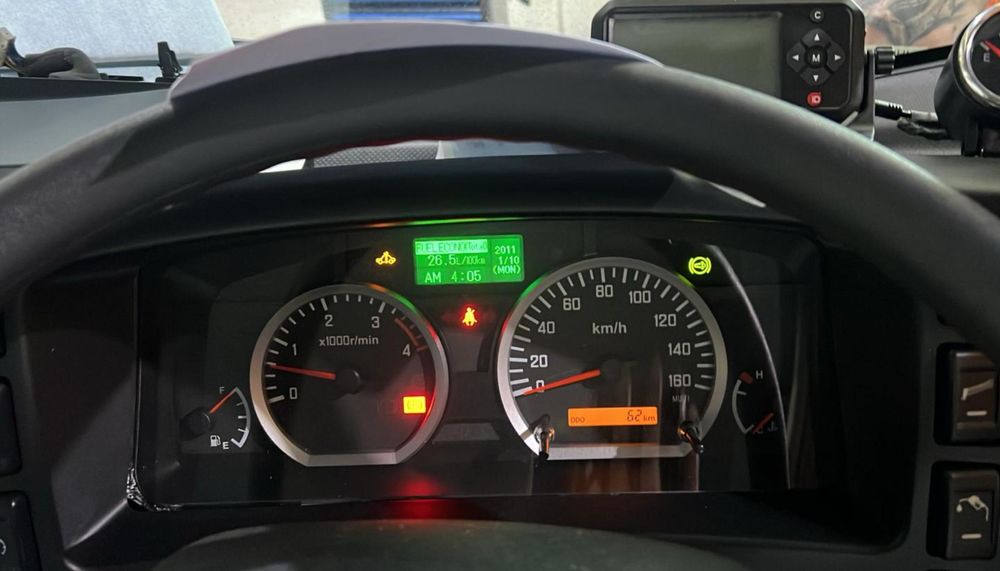
The Solution: Correcting Vehicle Selection The customer provided TeamViewer credentials, allowing our remote tech team to investigate the issue directly.
Engineer’s Diagnosis: The lack of communication was a software configuration issue, not a hardware failure. The user had selected the wrong vehicle model in the G-IDSS software dropdown. Our engineer reviewed the provided truck data, selected the correct local commercial vehicle model in the system, and successfully restored communication between the laptop and the truck’s ECU.
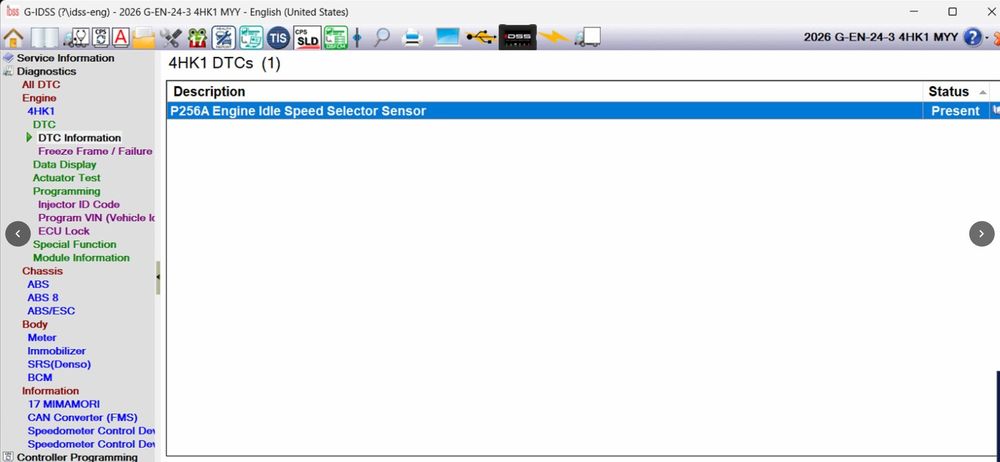
Follow-Up Issue: Speedometer Recalibration Permissions After establishing a connection, the customer attempted advanced programming but hit a security wall:
“Except the permission stops us from accessing things. The speedo recalibration won’t allow us in. The diagnostic wouldn’t let us in either.”
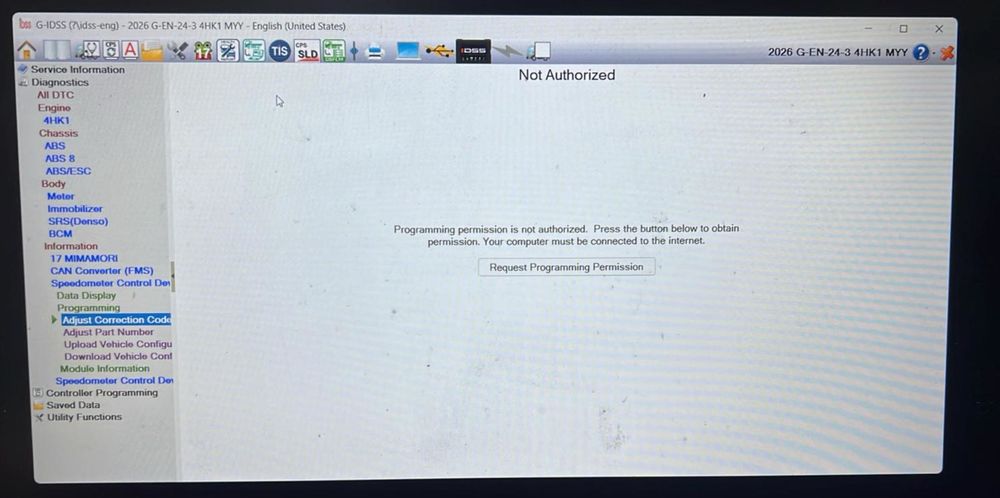
Understanding Isuzu Factory Authorizations For highly restricted ECM functions—such as Speedometer Recalibration—the G-IDSS software requires specific security clearances. To execute these specialized parameter changes, technicians must obtain authorization directly from their local Isuzu factory or an authorized regional dealership (4S shop). While the hardware is fully capable, these locked features cannot bypass local OEM security protocols without official dealership credentials.
Equip Your Shop with the Isuzu IDSS Diagnostic Kit Stop relying on costly dealer visits for everyday heavy-duty diagnostics. The ISUZU Diagnostic Tool Isuzu IDSS Interface Kit (with G-IDSS & E-IDSS Software) gives you dealer-level access to Isuzu commercial trucks and construction equipment right in your own bay.
-
Full System Access: Perform deep module scans, read/clear codes, execute DPF regenerations, and handle injector coding.
-
Complete Package: Includes the heavy-duty communication interface and the full suite of G-IDSS and E-IDSS software.
-
Dedicated Support: Enjoy peace of mind with remote installation and troubleshooting assistance via TeamViewer from our expert engineering team.
👉 Click here to maximize your fleet’s uptime and order the Isuzu IDSS Diagnostic Kit today.
For specialized commercial diagnostic solutions or further technical assistance for your local auto repair shop, contact our support team at sales@obdii.shop.
Leave a Reply