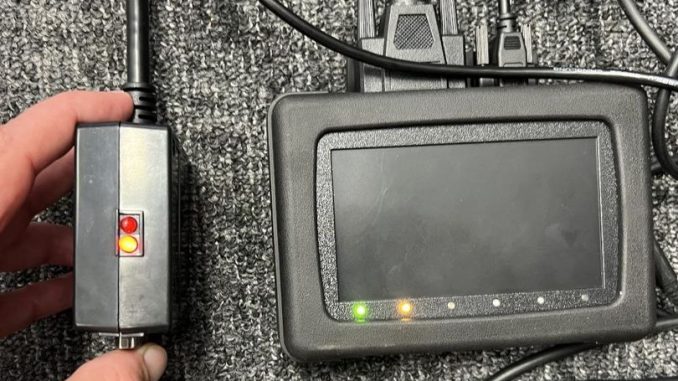
Customer :
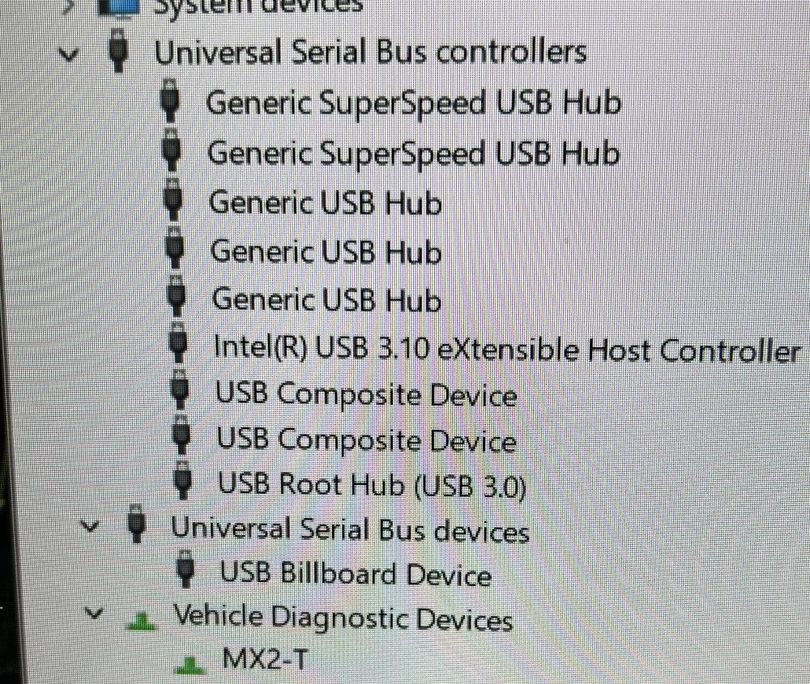
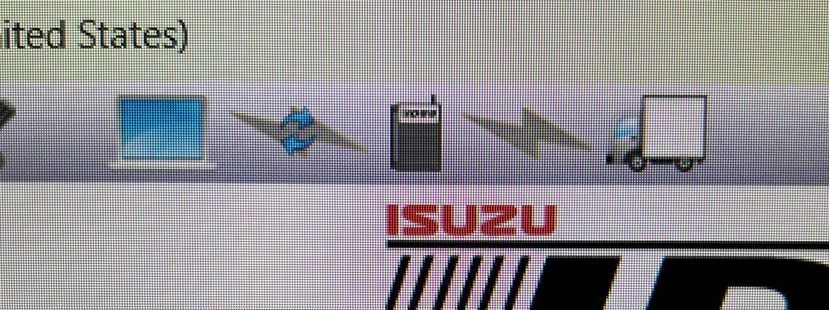
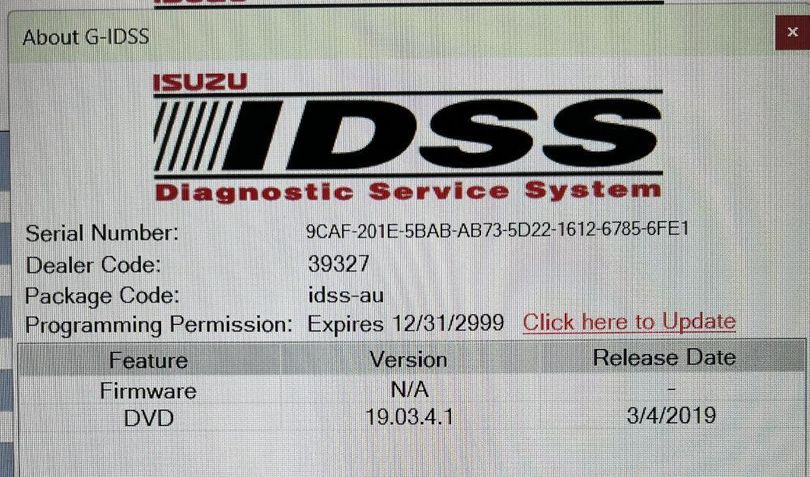
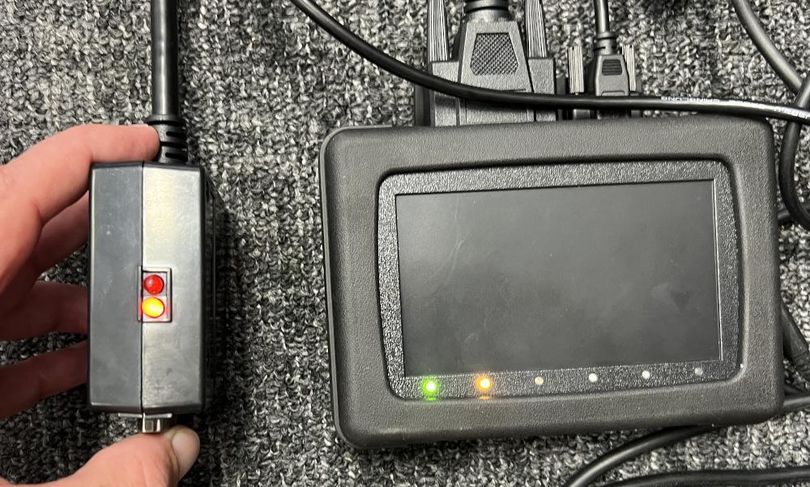
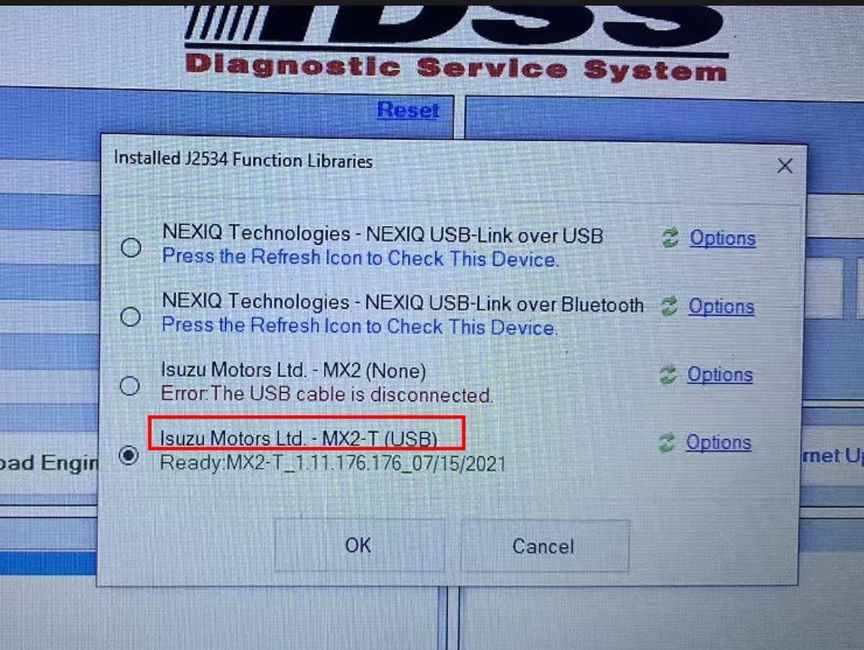
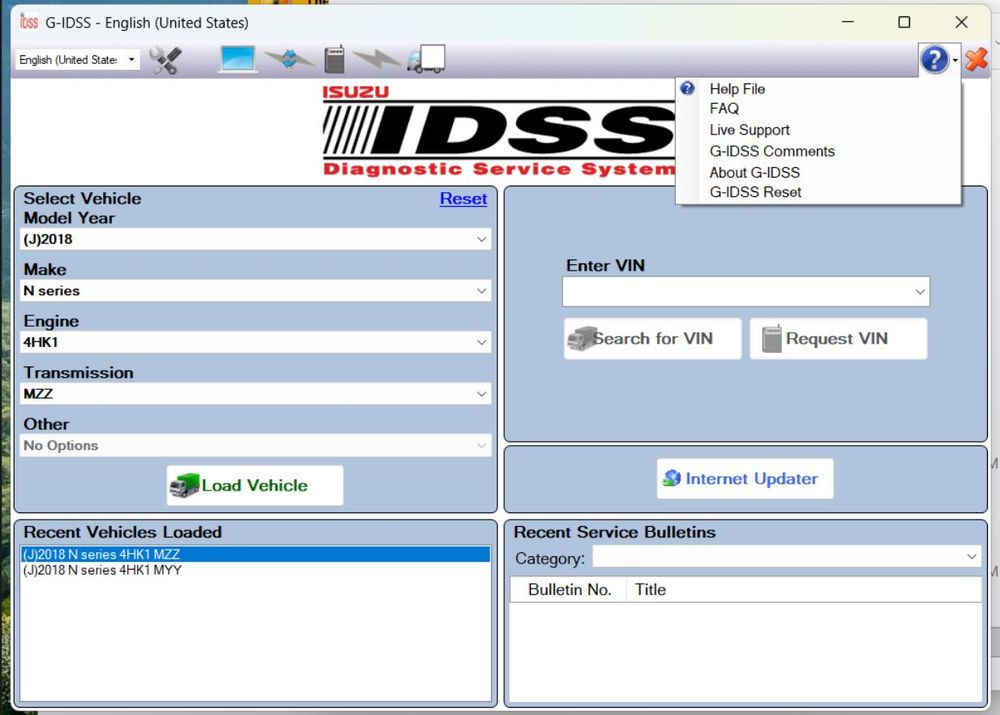
Clearly I do know how to install the v2019 software for ISUZU IDSS Interface Kit as you can see it is installed and open in the images I have sent. With the 2019 software installed, the connection to the unit is still erroring when it tries to connect to the USB device with an “Error#8: USB cable disconnected” even though the device has an LED that shows the USB is connected, and the driver for the device is loaded in Windows. You can see in the supplied images in the previous email that all of this is correct.
If this software cannot see the USB device, I see no reason why the 2025 version of the software would be able to see it either. Could the device be faulty? Faulty cable maybe? If we pay for the v2025 software and installation and you also fail to install and make it work, do we get our money back and assistance to get the v2019 working.
OBDIISHOP :
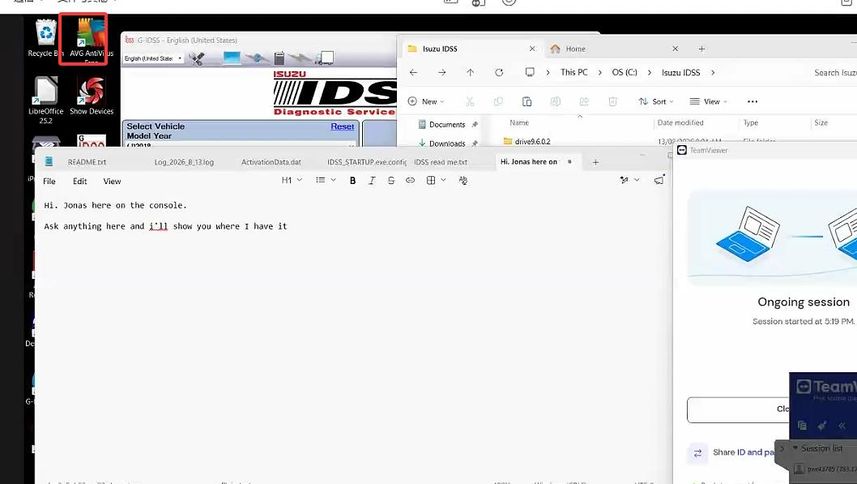
Engineer checked remotely for you found your laptop have antivirus software from desktop :
Solutions :
1.Uninstall the antivirus software AVG from your laptop first
2.You have to closed the win11 own antivirus software and firewall all have to be closed before installation , if you dont know how to uninstall it , please check the video here :
https://mega.nz/file/hfhzlZ4C#YgW41uCkLJfUD5jGN-fWBJWPlHhLYfT-yG9wTs29nYQ
3.You also have to installing the driver well for the tool which you can download the driver from this link : https://mega.nz/file/8LByDIoI#w1RoiWCU98jz7Jd350I5ETGdLmZIPbVPuLglzAFjUKw
4.If still have the problem, we recommend you can try to reinstall the software with correct steps again , if cant install the software well , we recomend buy the latest version software with remotely installation service from obdiishop directly
Customer :
Got it to work. The fix was in Windows driver manager, uninstall the driver for both the MX2 and MX2-T and force delete the driver of each during the uninstall process. Then when you run yours or the actual Isuzu driver version of the driver installer whilst the device is connected, it installs it with the location of the port and hub locations built into the driver, rather than just the plain driver with no location info. Very much like the GDI printer driver problem from the early 2000s.
OBDIISHOP :
More request, welcome to contact our sales directly at sales@obdii.shop
Leave a Reply